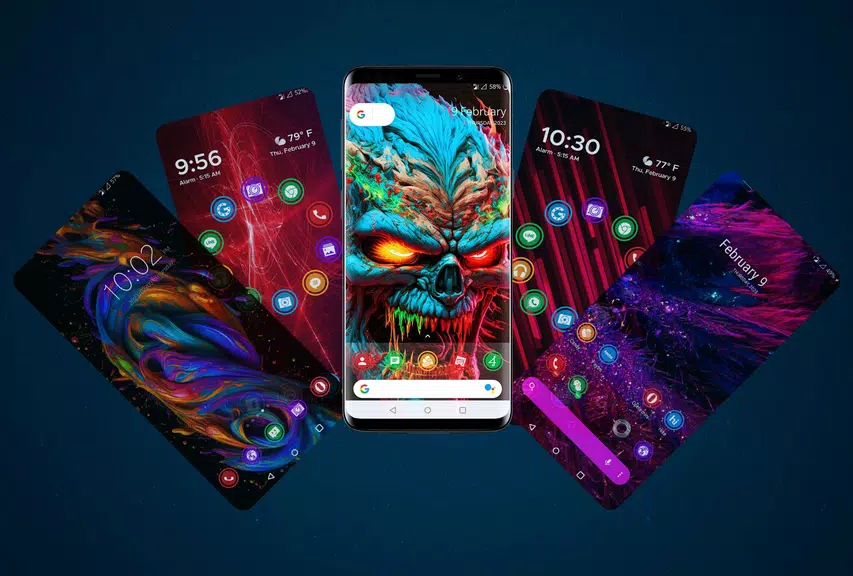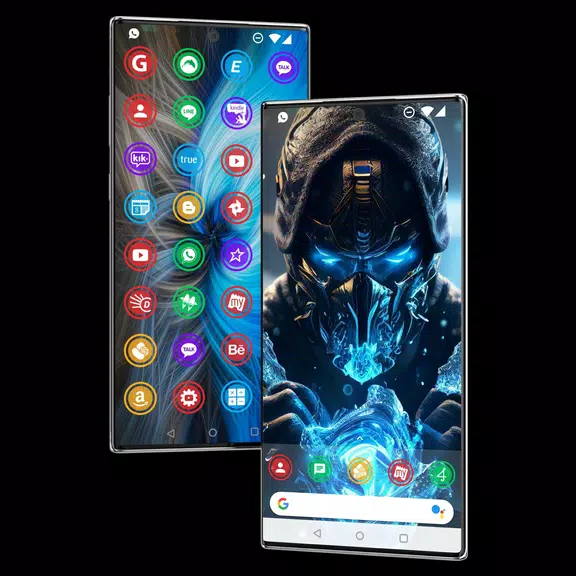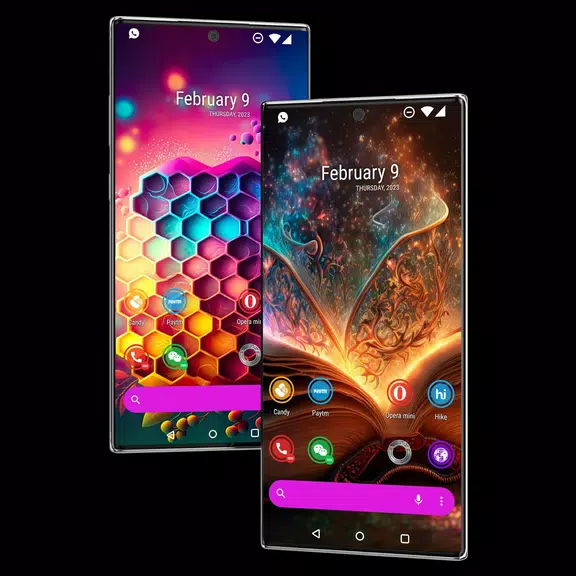
Elevate the look of your Android device effortlessly with the incredible Themes App. Boasting a vast array of over 900 HD icons and stunning wallpaper photos, transforming your home screen has never been more straightforward. This app enables you to seamlessly switch up your icon styles, crafting a personalized and visually captivating Android launcher. Whether you favor round shape icons or another aesthetic, this app integrates flawlessly with all Android phones. Downloading wallpaper photos is a snap, allowing you to swiftly curate your own collection. Upgrade your device's appearance now with the app and step into a new realm of customization.
Features of Themes App:
900+ HD Icons: Dive into a diverse selection of over 900 high-definition icons with the app, customizing your Android device's look. Each icon is crafted with precision to enhance your interface's visual appeal.
Beautiful Wallpaper Photos: Alongside its extensive icon collection, the app offers a plethora of wallpaper photos to personalize your device's background. Whether you're drawn to serene landscapes or vibrant abstract designs, there's something for everyone.
Round Shape Icons: Experience the modern elegance of round shape icons, a unique feature of the app that adds a sleek touch to your Android launcher. These eye-catching icons are perfect for setting your device apart with any theme.
Compatibility with All Android Phones: The app is designed to work seamlessly across all Android devices, from Samsung and realme to OnePlus and OPPO phones. Change your icon style and wallpaper photos freely, without any limitations.
Tips for Users:
Install a Compatible Android Launcher: To maximize the app's features, install a compatible Android launcher such as Go Launcher or Neox Launcher. These launchers will smoothly incorporate the themes and icons you select.
Apply Themes Easily: After installing your Android launcher, applying themes from the app is a breeze. Navigate to the Themes section, hit Apply, and watch as your device's appearance transforms instantly.
Customize Your Wallpaper Collection: Leverage the app's expansive wallpaper photos to build your unique collection. Mix and match different wallpapers to showcase your personal style and preferences.
Conclusion:
Themes App provides a comprehensive platform for customizing your Android device with its extensive collection of HD icons and wallpaper photos. The addition of round shape icons brings a level of sophistication, while its universal compatibility with all Android phones ensures a personalized experience for everyone. By following the simple steps outlined, you can effortlessly apply themes and transform your device into a true reflection of your individuality. Don't miss the chance to enhance your Android launcher with the app's beautiful and diverse offerings. Download now and start personalizing your device today.