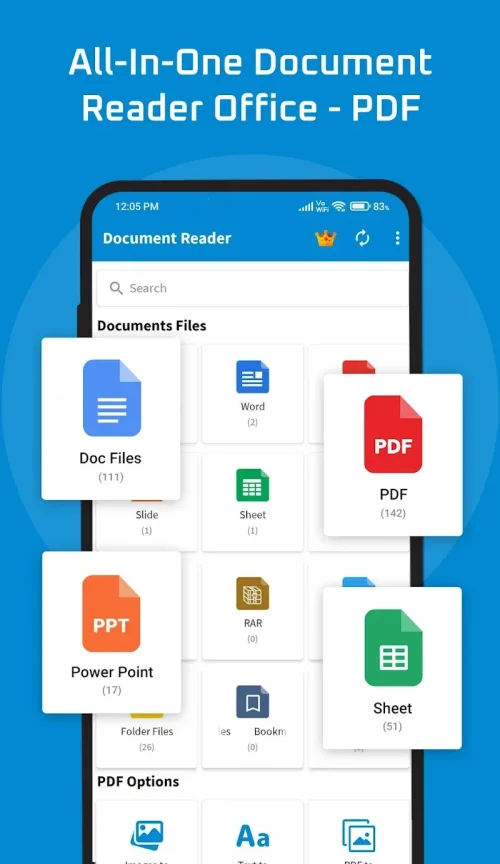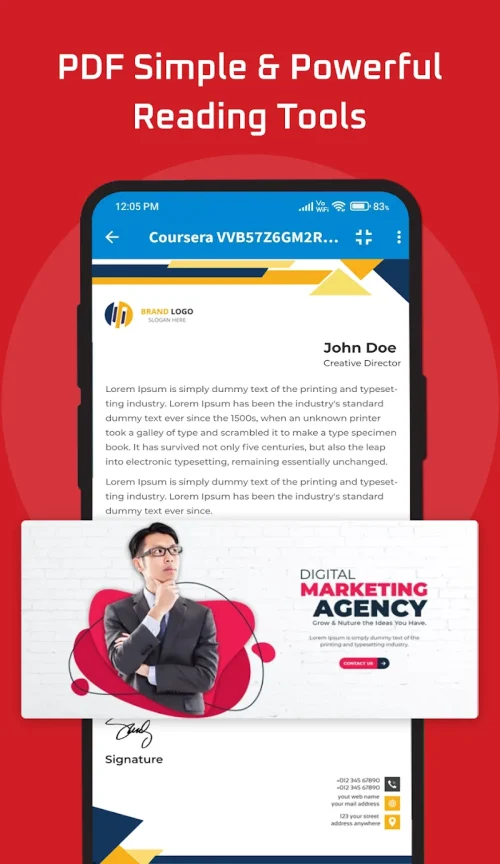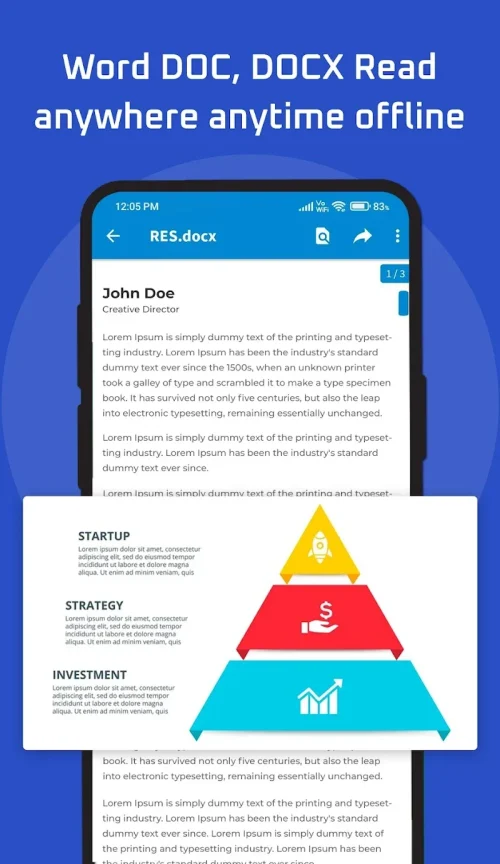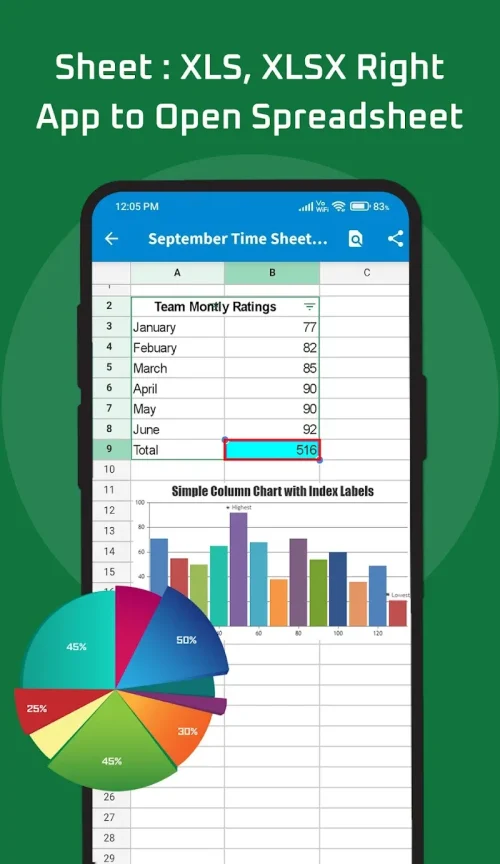
Introducing Document Reader, the ultimate all-in-one mobile app for seamless access to files in any format, anytime and anywhere! Say goodbye to multiple apps and hello to convenience with this powerful document management tool. With support for all file types including PDFs, Word docs, Excel sheets, PowerPoints, and more, you can easily open and read office files, reports, eBooks, and compressed folders. The auto file organizer feature automatically scans and sorts your files into corresponding folders, making storage neat and searchable. Designed for mobile use, you can access and edit documents on the go, boosting productivity wherever you are. With smooth navigation and advanced annotation features, you can easily analyze and edit documents. Plus, with integrated scanner and QR functionality, you can quickly digitize notes and extract information. Don't miss out on this must-have app – download Document Reader now!
Features of this app:
- Support for all document formats: Document Reader allows users to seamlessly access files in any format, including PDFs, Word documents, Excel sheets, PowerPoints, TXTs, ZIPs, RARs, HTML, and more. Users no longer need multiple apps to view different documents, as this all-in-one file viewer supports every file format.
- Auto file organizer: Tired of a cluttered phone filled with disorganized files? Document Reader automatically scans and sorts files on your device into corresponding folders, neatening up your storage. This feature enables quick search and access, saving users time and eliminating the need to rummage through downloads.
- Convenient mobile use: Designed for effortless use on the go, Document Reader provides document viewing and editing capabilities right from your phone or tablet. Whether you are on the train, at the office, or lounging at home, you can access the files you need instantly with search functions at your fingertips. The app is optimized for mobile, allowing users to boost productivity anywhere without the need for a laptop.
- Smooth navigation: Document Reader offers smooth navigation through all document formats thanks to its intuitive interface. Users can scroll, pan, and jump through multipage PDF reports, flip smoothly between slides in a PowerPoint presentation, and scan rows and columns in extensive Excel sheets. This feature facilitates easy document examination, minimizing hassles.
- Advanced annotation: With Document Reader, users can engage in next-level analysis and efficiency. They can highlight, underline, and strike out text in documents, add comments and feedback, redact confidential data permanently, and sign PDFs to authorize them on the spot. The app also provides drawing tools to circle or point out areas of interest, optimizing documents for users.
- Multifunctionality: In addition to expert document handling, Document Reader integrates scanner and QR functionalities. Users can quickly digitize notes, receipts, papers, and more into clear PDF files using the built-in camera capabilities. They can also scan QR codes and barcodes in a snap to extract embedded information, eliminating the need for multiple tools.
In conclusion, Document Reader is a powerful document management tool that offers a range of features that users love. Its support for all document formats, auto file organizer, convenient mobile use, smooth navigation, advanced annotation capabilities, and multifunctionality make it a versatile and essential app for accessing, organizing, and editing documents on the go. With its user-friendly interface and extensive feature set, Document Reader is a must-have for anyone looking to seamlessly access files in any format using one convenient mobile app. Download now to experience ultimate convenience and productivity.