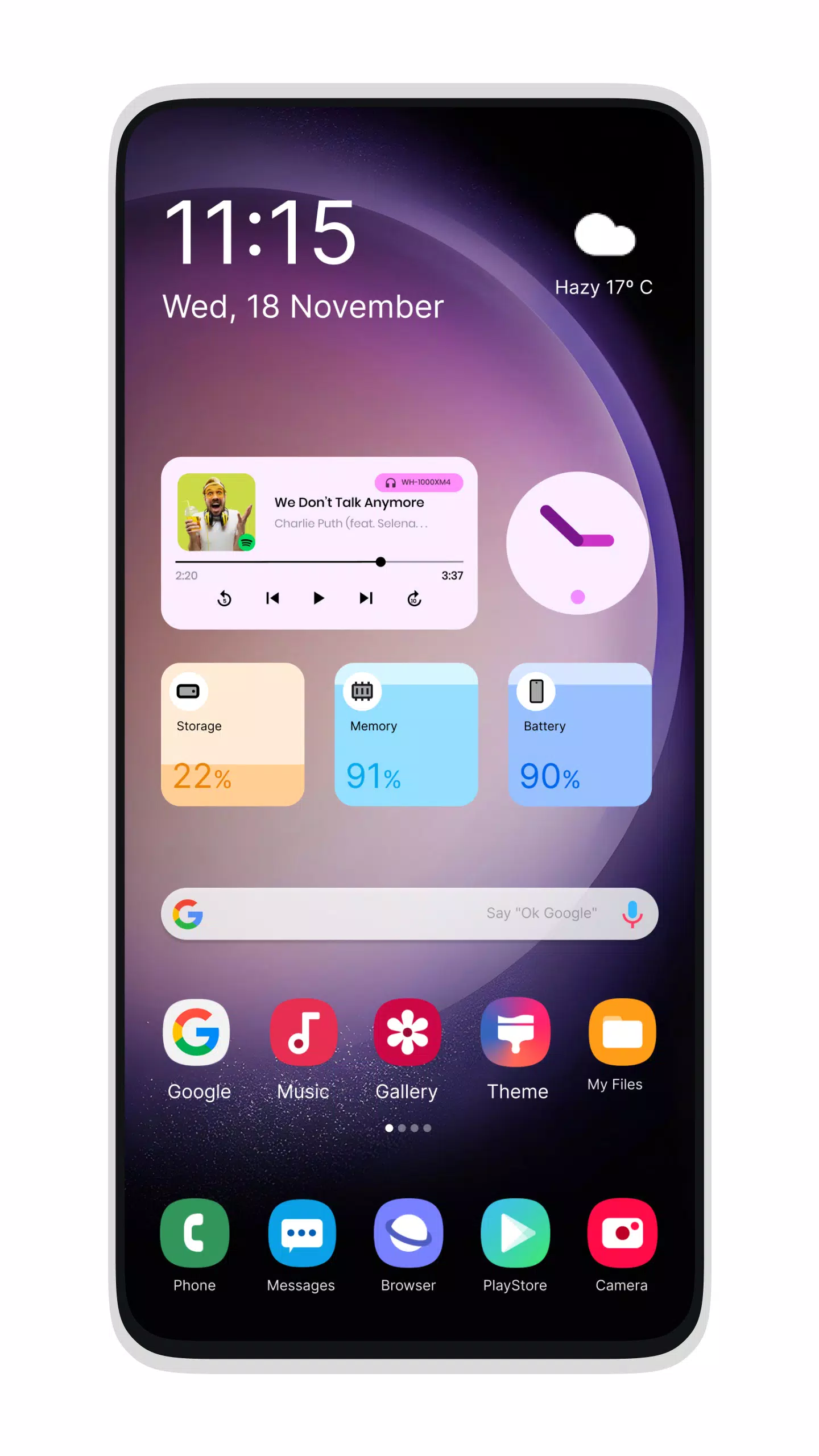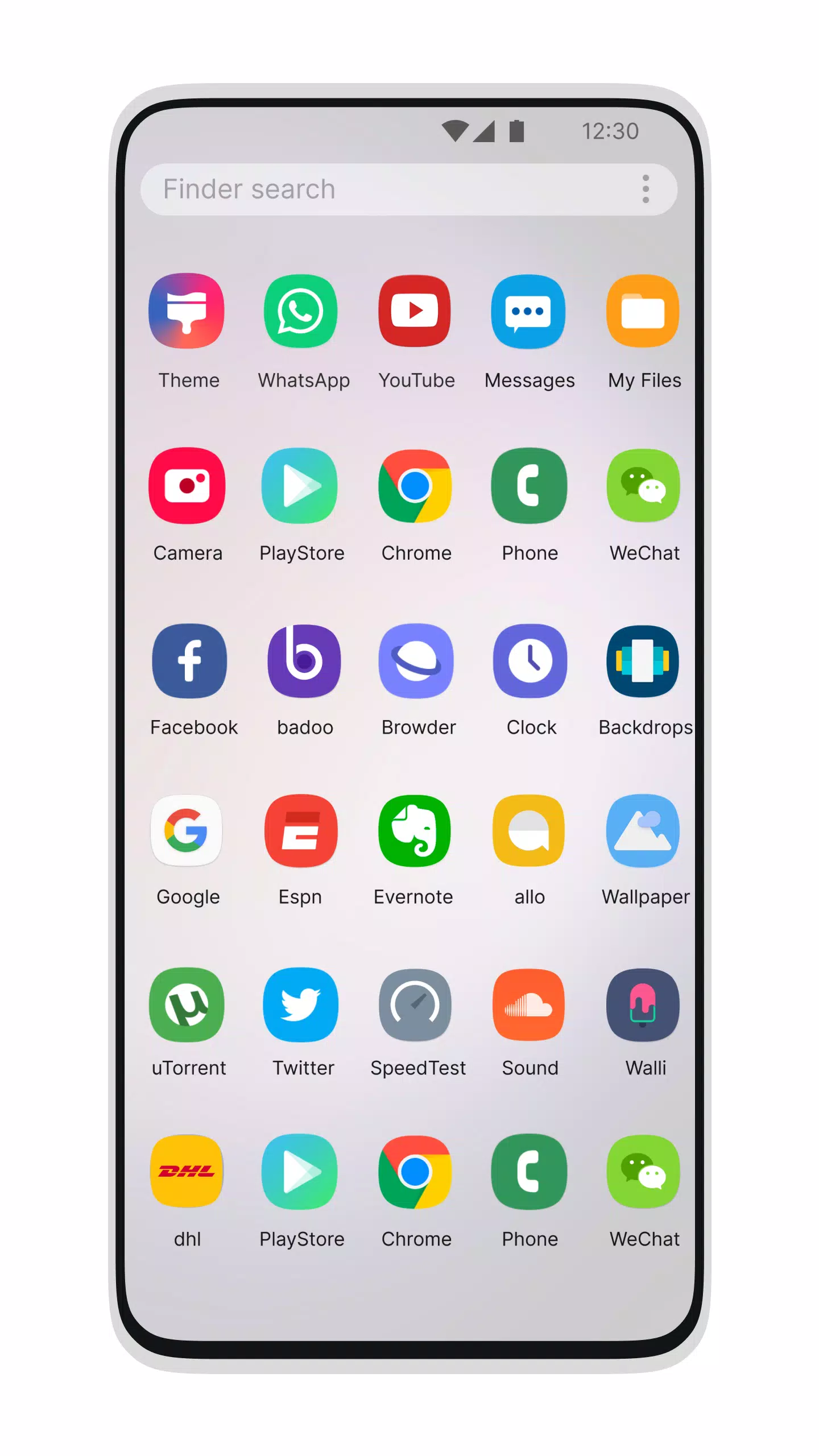
Transform your mobile experience with the sleek and modern Galaxy S24 Style Launcher. This powerful launcher brings the latest Galaxy S22+ experience to all Android devices running version 5.1 and above, allowing you to enjoy a cutting-edge interface.
Desktop Computer Design:
Elevate your phone's look with the Galaxy S24 Style Launcher, inspired by the Galaxy S10. This launcher offers a unique and fast desktop-like experience, perfect for impressing friends and family. Share the computer-like aesthetics of your Android device with those you care about.
Features:
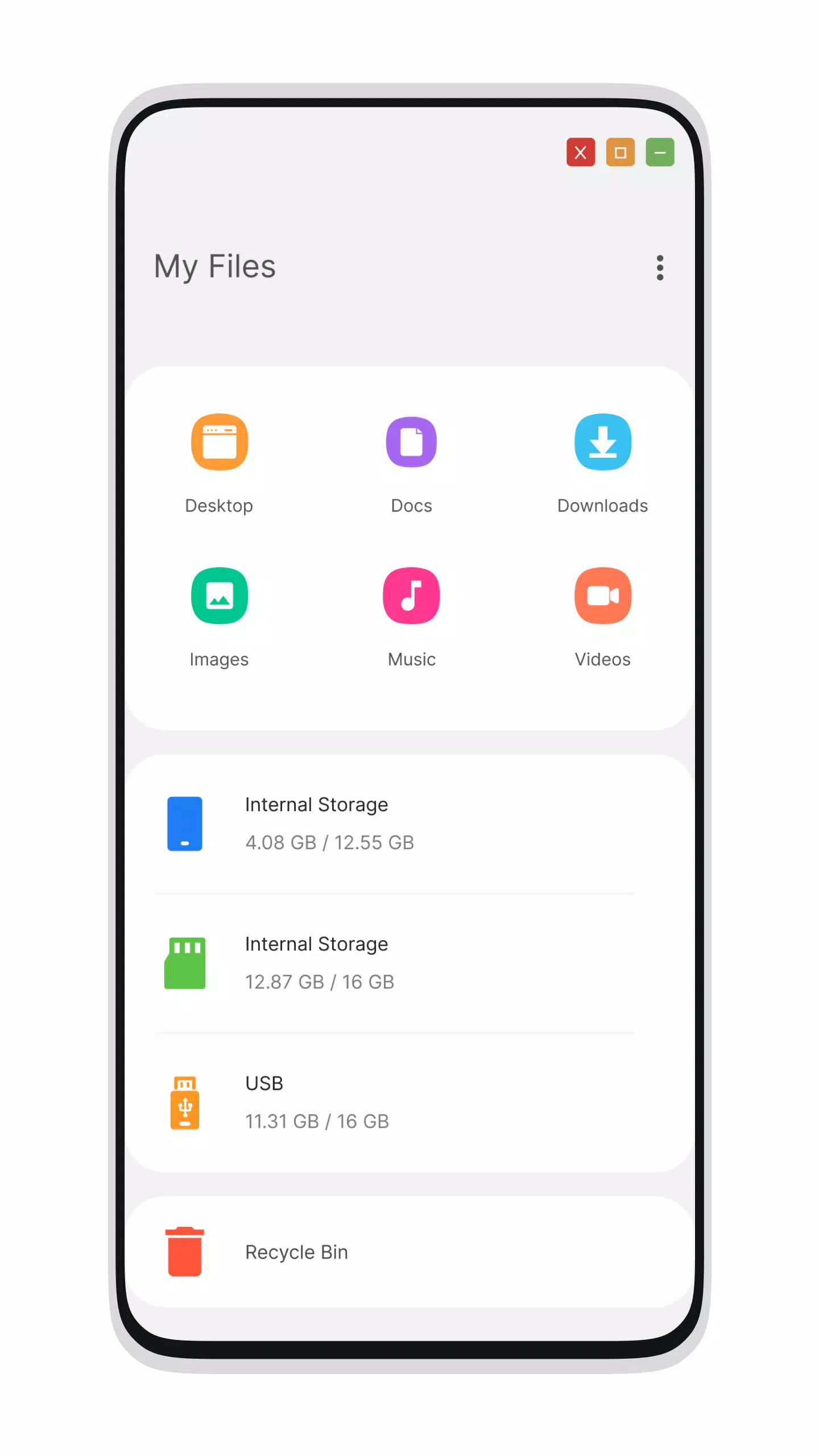
File Manager
- Built-In Support of File Explorer: Navigate your files effortlessly with integrated file management.
- Create Folders, Cut, Copy, Paste, Move, Delete, Share, etc.: Manage your files with ease using comprehensive options.
- Listing of All Drives, SD Card, Storage, Audio and Video Files, and Pictures in PC Style: Access your media and storage in a familiar desktop format.
- Built-In ZIP Support: Decompress or extract ZIP/RAR files directly within the launcher.
- Share Files and More: Seamlessly share files and perform other file operations.
- Explore Your File System: Utilize a simple and efficient file explorer designed like a native desktop computer.
Menu
- Start Menu for Launcher for Galaxy S23: Access your applications with ease through a stylish start menu.
- Android Applications in Stylish Tiles: Organize your apps in an attractive tile format within the start menu.
- Best Applications Available with One Click: Create shortcuts for your most-used apps on the desktop using the press-and-hold feature.
- Easy Navigation to Apps: Find and open your apps quickly and efficiently.
- Taskbar for Galaxy S23 Style: Enhance your navigation with a taskbar similar to the Galaxy S23.
- Recycle Bin: Move files to the recycle bin for later deletion.
Settings
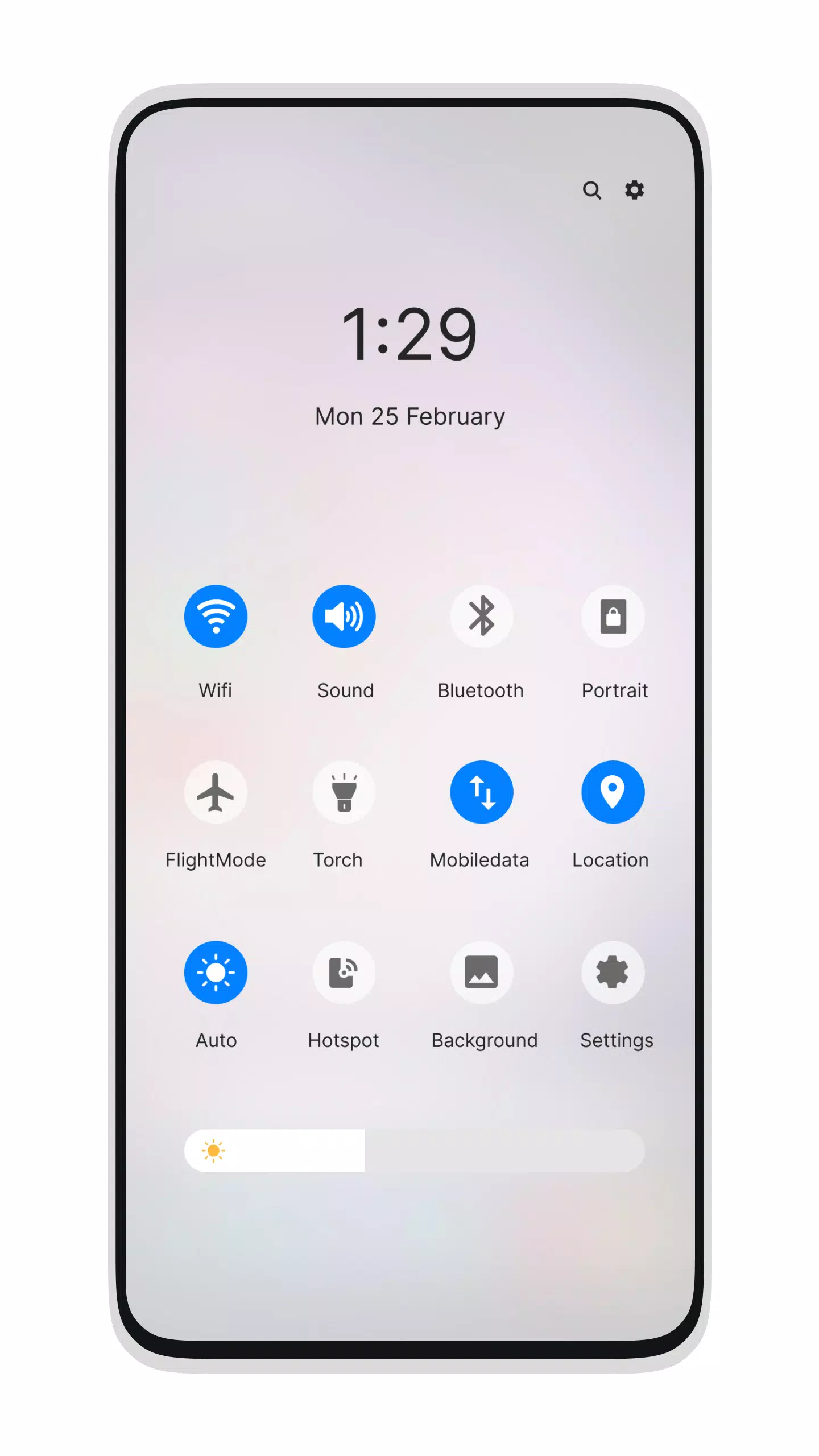
- Action Center. Notifier Center: Enjoy notifications similar to the Galaxy S23 launcher.
Update Features
- Desktop Widgets: Customize your desktop with various widgets.
- Android O Type Desktop Menu: Experience the latest in desktop menu design.
- Drag and Drop Improved: Seamlessly move items around your interface.
- Clock Widget: Keep time visible with a stylish clock widget.
- Weather Widget: Stay updated with real-time weather information.
- RAM Info Widget: Monitor your device's performance at a glance.
- Changeable Desktop Folders: Customize and organize your desktop folders.
- Live Wallpapers: Bring your desktop to life with dynamic backgrounds.
- Photo Tiles Changeable: Personalize your interface with your favorite photos.
- Task-bar Icons Removable: Customize your taskbar to your preference.
- Desktop App Folders: Organize your apps into folders on the desktop.
- Weather, Calendar, and Photos Tiles Added: Access essential information directly from your desktop.
- Task-bar Transparency Option Added: Adjust the transparency of your taskbar.
- Improved Themes Compatibility: Enjoy a wider variety of themes.
- Multi-Tasking Made Optional: Enable or disable multi-tasking from settings.
- Lock Screen: Customize your lock screen for added personalization.
- Multi-Color Support for Task Bar and Menu: Choose colors that suit your style.
- Themes and Icon Pack - Android TV/Tablet Support: Use themes and icon packs across different devices.
- Hide Applications: Keep certain apps out of sight.
- Desktop Icons Removable: Clear up your desktop by removing icons.
- Add Applications in Start Menu (Paid Only): Enhance your start menu with additional apps.
- Change the Start Menu Application: Customize your start menu by pressing and holding the app.
- Change Applications in Task-bar: Modify your taskbar by pressing and holding.
- Built-In Gallery Feature Added: Access your photos directly from the launcher.
- Photo Tile Changeable: Easily swap out photo tiles.
- Widgets in Desktop Mode: Add functionality to your desktop with various widgets.
- Built-In Apps (Photo Viewer): View your photos without leaving the launcher.
What's New in the Latest Version 3.2
Last updated on Oct 22, 2024
- Create Folder Issue Fixed: Resolve issues related to folder creation.
- Icon Size in Folder Fixed: Ensure consistent icon sizes within folders for a cleaner look.