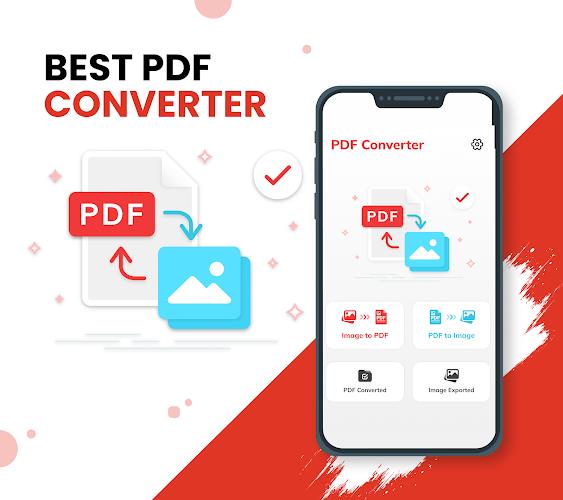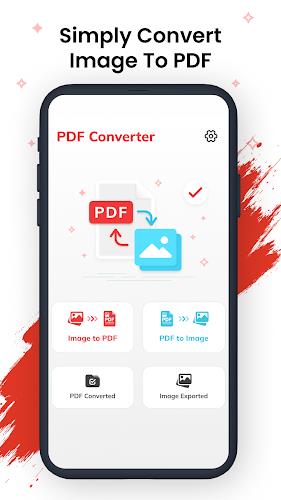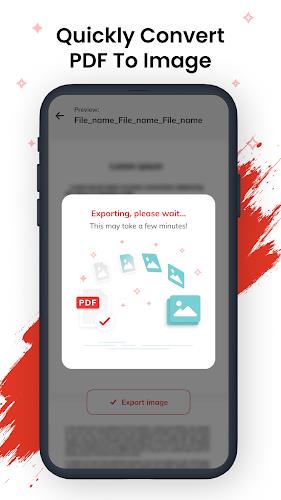
Effortlessly transform your photos into professional-quality PDFs using the innovative PDF Converter app. Simply upload images from your gallery, and the app will efficiently compress and convert them into neatly organized PDF files. This powerful tool streamlines document management, making it ideal for both personal and professional use. In today's mobile-first world, many documents exist as images. PDFs maintain original formatting, making them the preferred choice for sharing and archiving. PDF Converter offers a seamless conversion process, ensuring secure and high-quality output.
Download PDF Maker today and unlock a suite of valuable features, including: intuitive conversion, multi-image selection, image editing capabilities, customizable compression levels, flexible document sizing (portrait or landscape), password protection for enhanced security, and comprehensive file management tools. Enjoy sharp, high-quality PDFs instantly, all within a user-friendly interface. Get your free download now and convert your pictures to PDFs directly on your phone!
Key Features of the PDF Converter App:
- Effortless Conversion: Convert photos to PDF format with a single tap, supporting batch processing for multiple images.
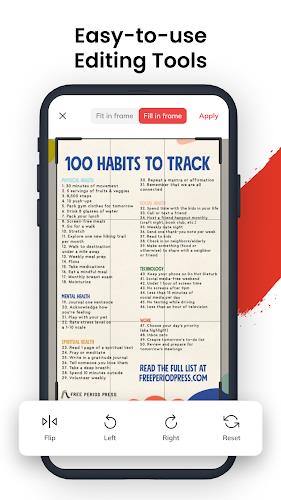
- Customizable Order: Rearrange, flip, rotate, and resize photos within the PDF before conversion to achieve the perfect layout.
- Intelligent Compression: Choose from three compression levels to optimize file size without compromising quality, facilitating easier sharing and storage.
- Flexible Sizing: Select portrait or landscape orientation for your PDF document to suit its intended use.
- Robust Security: Protect sensitive information with password protection for your converted PDF files.
- Professional File Management: The intuitive interface allows for easy viewing, sorting (list or column view), and access to complete file details (name, size, creation date, security settings).
In short, the PDF Converter app provides a comprehensive and user-friendly solution for converting photos to PDFs. Its ease of use, coupled with advanced features like compression, security options, and efficient file management, makes it an indispensable tool for anyone needing to quickly and easily create and manage professional-looking PDF documents on their mobile device. Download the free app and experience the convenience today!