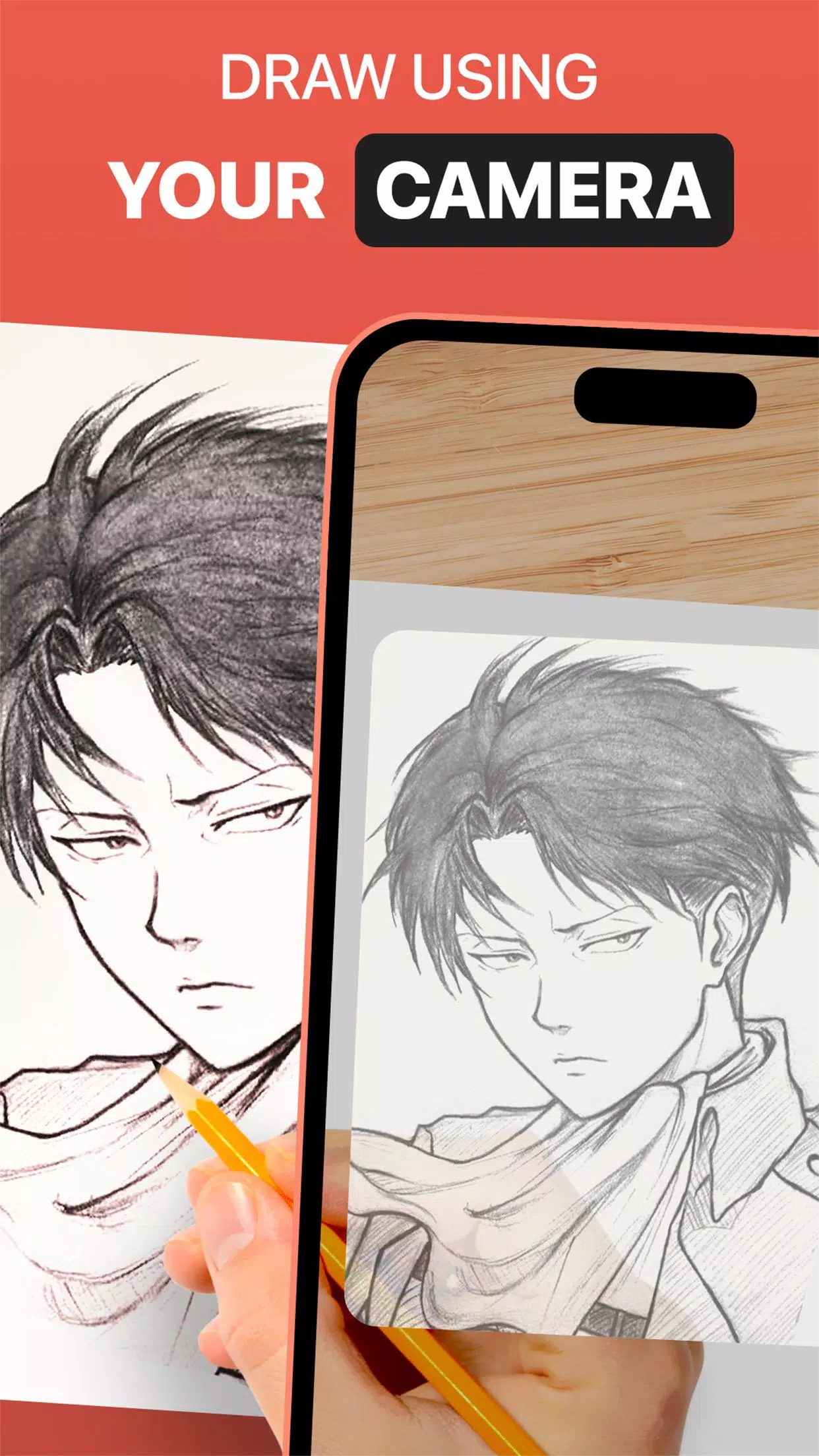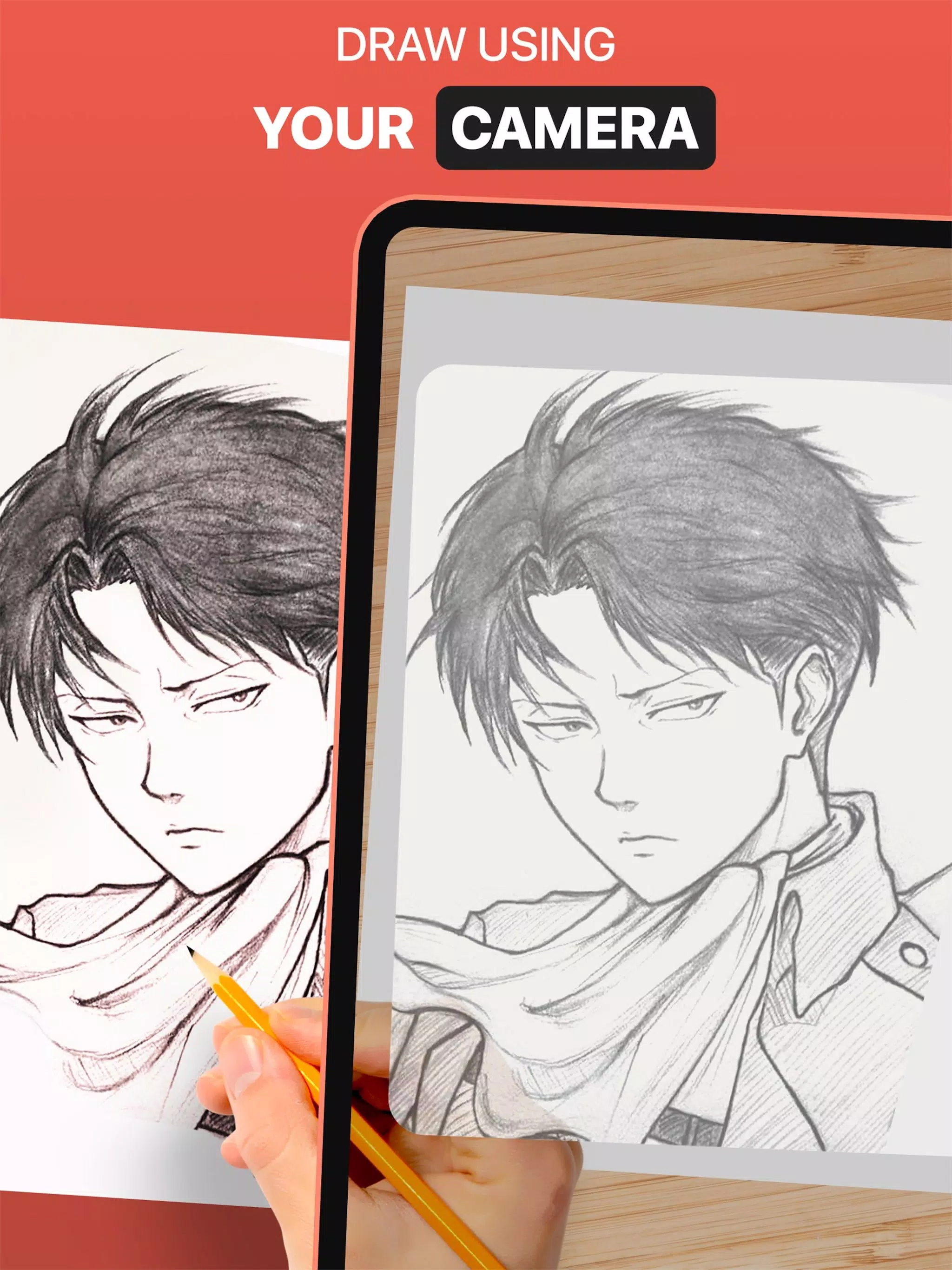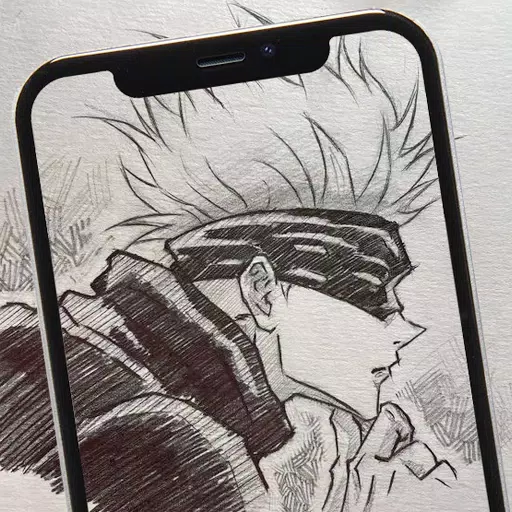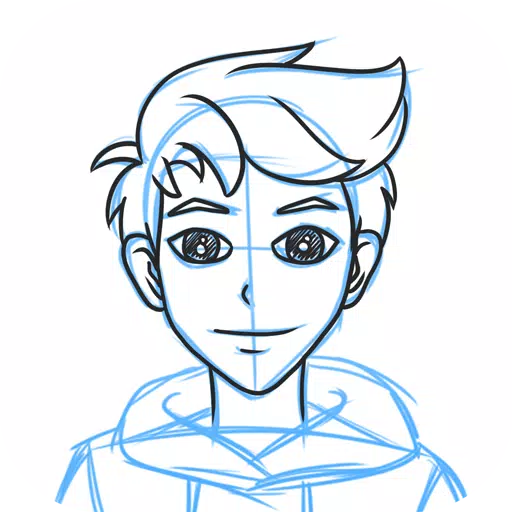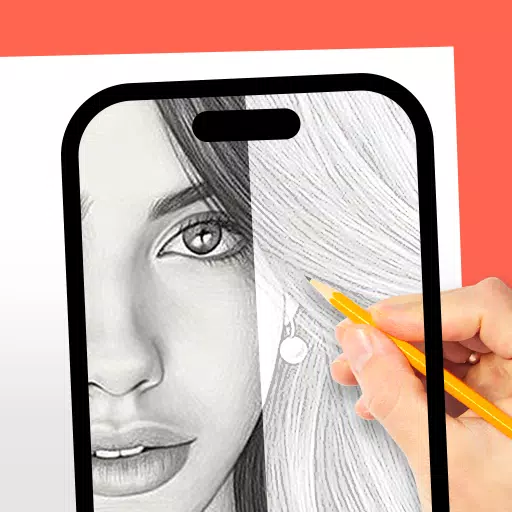
DrawingAR app utilizes augmented reality (AR) technology to project an image onto a surface, such as paper, enhancing your drawing experience. With DrawingAR, you can trace the image displayed on your device's screen directly onto paper, making it easier to replicate complex designs.
The Easy Drawing app offers a straightforward way to enhance your drawing skills. It allows you to import images from your device's gallery and overlay them with a transparent layer. You can trace the sketch or image on your device's screen and then draw it on paper, perfect for those looking to improve their quick draw techniques.
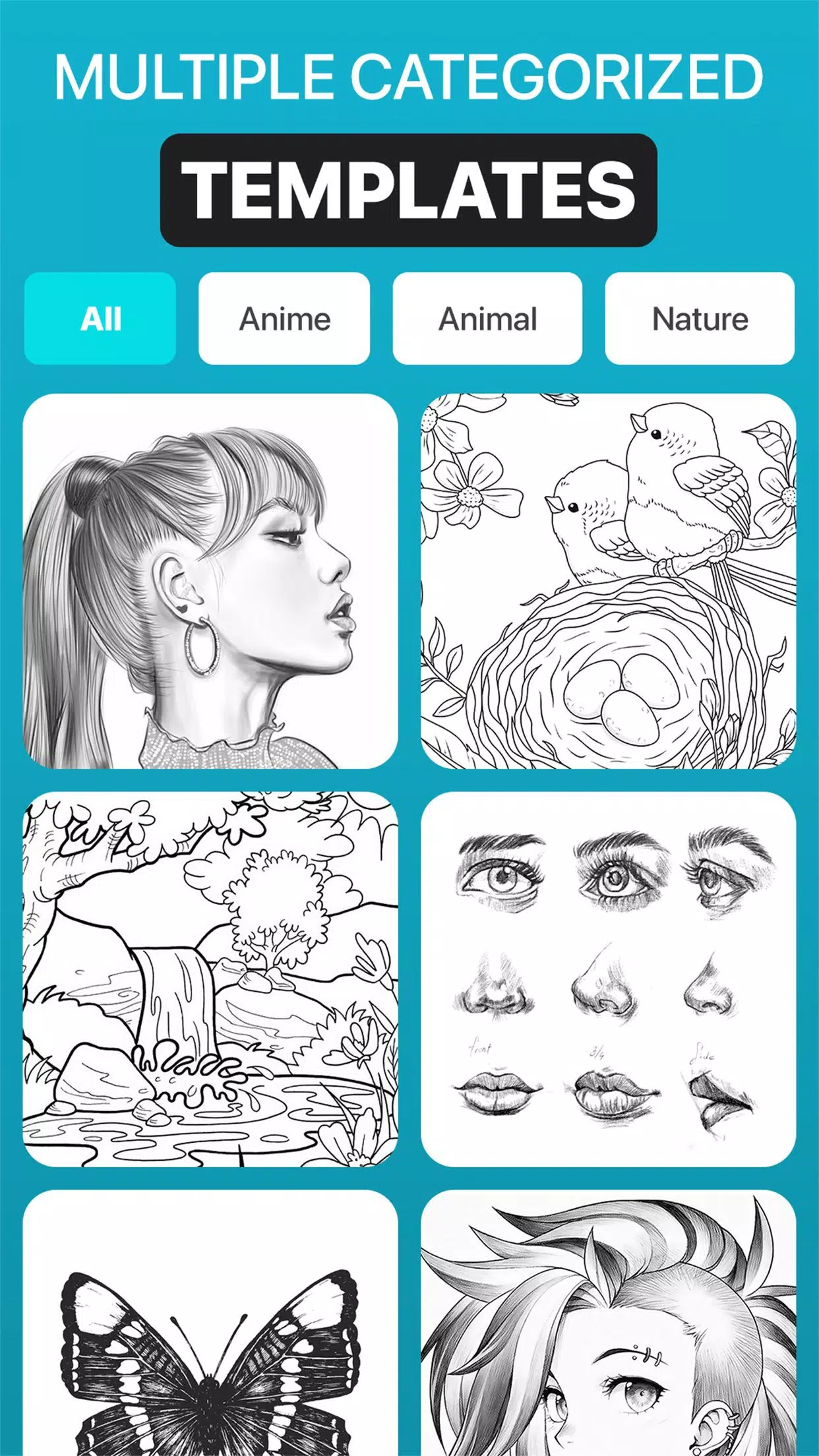
Sketch AR app comes packed with a variety of pre-defined images spanning categories such as Animals, Cartoons, Foods, Birds, Trees, Rangolis, and more. This makes it an excellent choice for users looking for diverse sketching options.
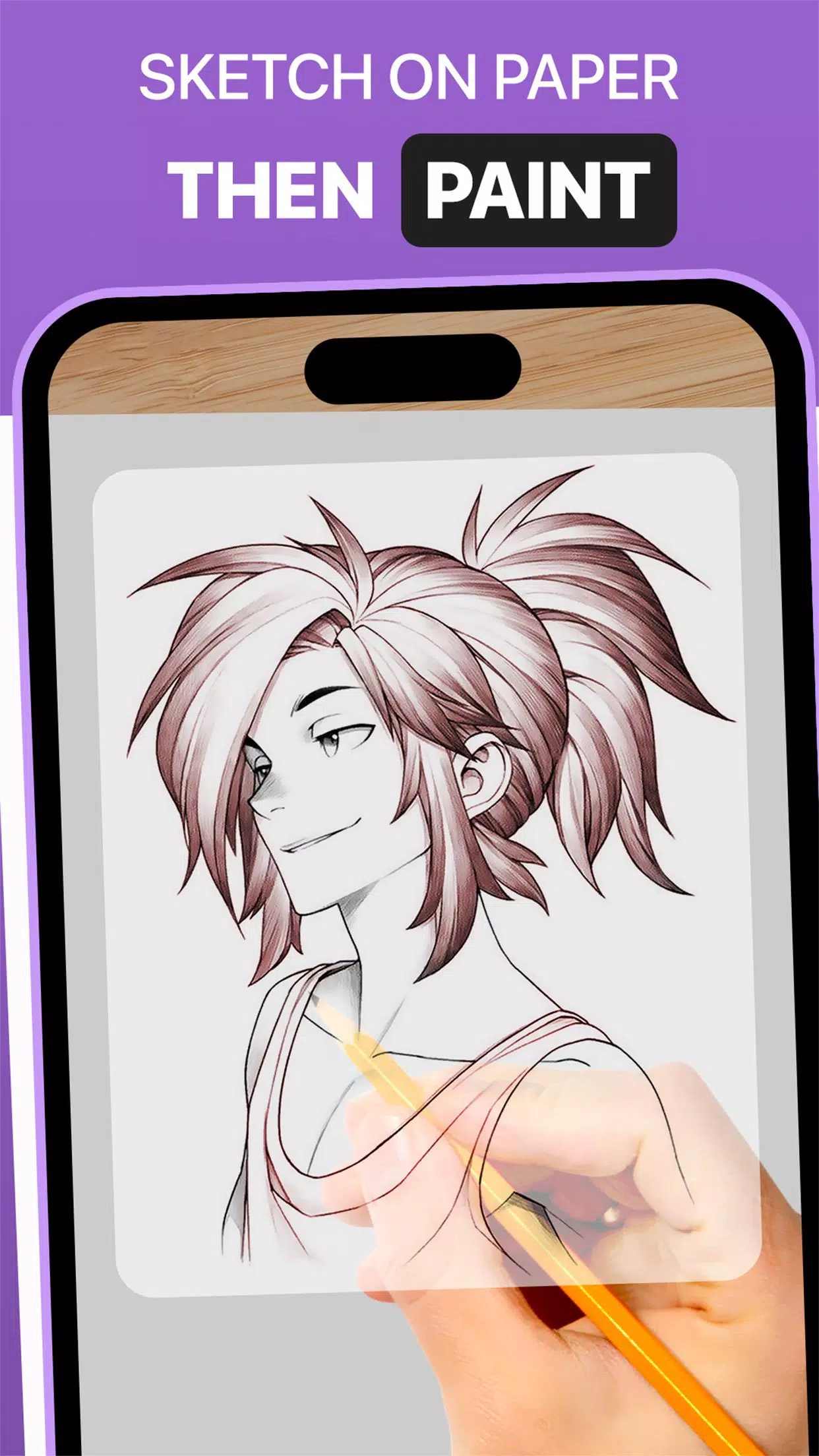
Trace Anything app provides a range of features to enhance your tracing experience. These include adjusting the opacity of the image overlay, zooming in or out, and selecting different images for tracing. Once you've traced the image on your tracing paper or sketch pad, you can further enhance it with paint.
➤ Features of AR Drawing App:
Image Import: The Easy Drawing app lets you import images or sketches from your device's photo library or take new photos using the built-in camera. These images serve as references for tracing on paper.
Image Overlay: With the Trace Anything app, you can overlay your imported image onto your device's screen. The image's opacity can be adjusted, allowing you to see both the original image and your tracing paper at the same time. You can also adjust the image's transparency for a quick draw.
Inbuilt Browser: The Easy Drawing app includes an inbuilt browser, enabling you to search and import easy sketches or any type of image or sketch drawing directly within the app, eliminating the need to download from external sources.
Transparency Adjustment: The Trace Drawing app offers the ability to adjust the transparency or opacity of the overlaid image, helping you customize the visibility to suit your tracing needs.
Record Video or Images: The Trace Drawing app features a dedicated recording button, allowing you to record a video as you trace on tracing paper. It also supports time-lapse video recording. Recorded videos can be found in the device's 'Drawing AR' folder.
Capture Images of Trace Draw: You can capture images of your traced drawings during or after the tracing process. These images are saved in your device's gallery.
Simple Drawing UI: The Sketch AR app boasts a user-friendly interface with effective trace elements, making it easy to manage and draw.
➤ Steps to Use AR Drawing App:
Download and open the DrawingAR app on your mobile device.
Import or select the image you want to trace.
Set up your paper or sketch pad in a well-lit area.
Adjust the image overlay and position it correctly on your device's screen.
Begin tracing the image on paper, following its details.
The AR Drawing app is a versatile tool designed for artists, designers, and anyone looking to enhance their creative skills.