Home Apps Personalization Lock Screen iOS 15
Lock Screen iOS 15

Lock Screen iOS 15 Rate : 4.6

Download
Application Description

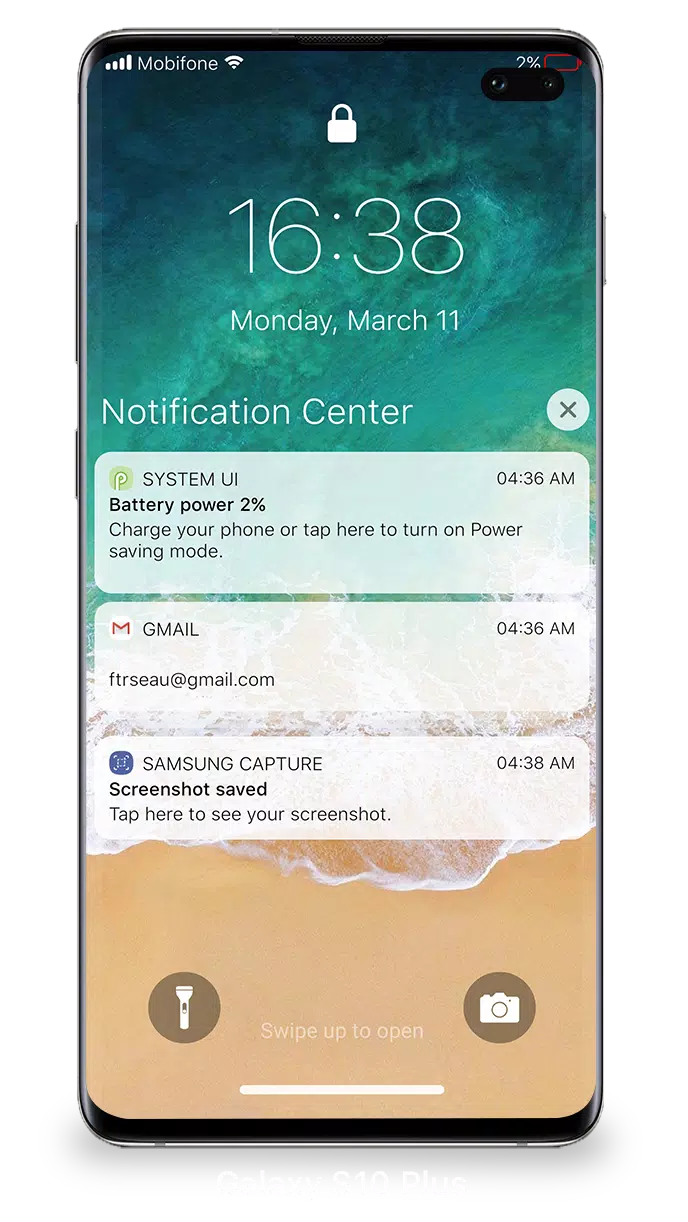
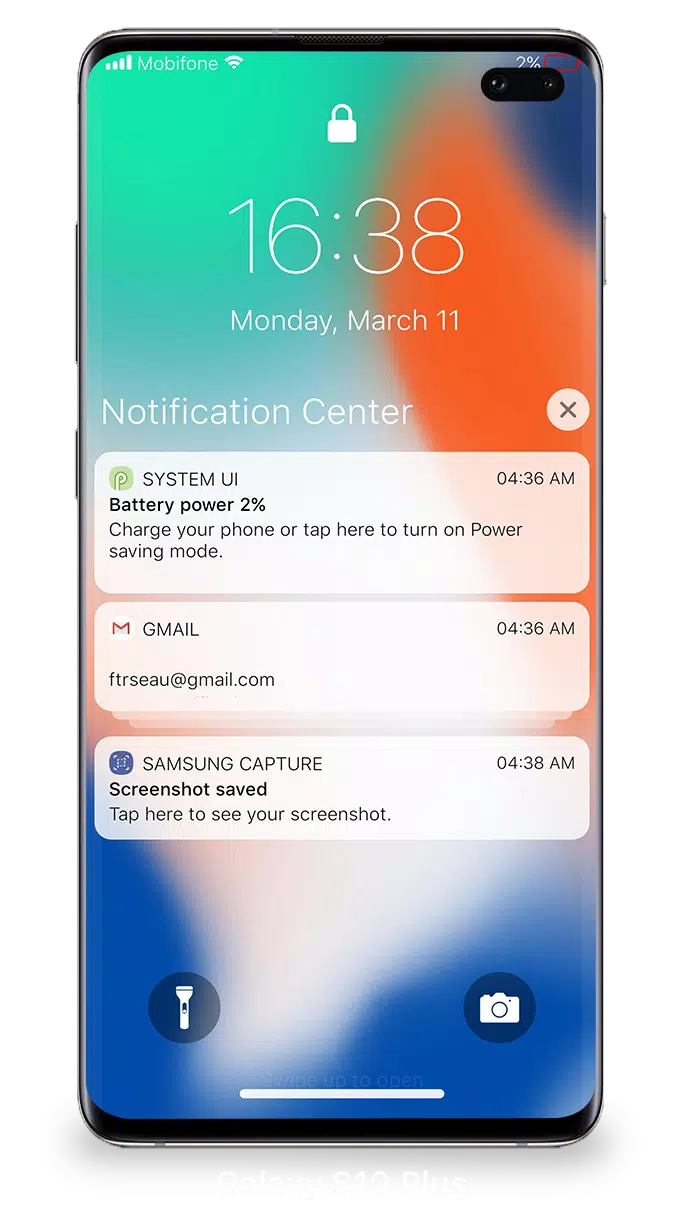
With iOS 15, managing your Lock Screen & Notifications has never been more streamlined and user-friendly. You can effortlessly view and handle multiple notifications at once, enhancing your interaction with your device.

To access your notifications from the Lock Screen, simply turn on your phone. From there, you can engage with your notifications in several ways:

  • Tap a single notification or a group to expand and view all notifications from a specific app.
  • Swipe left over notifications to manage, view, or clear them as needed.
  • Adjust alert settings for individual apps directly from the Lock Screen & Notifications interface.

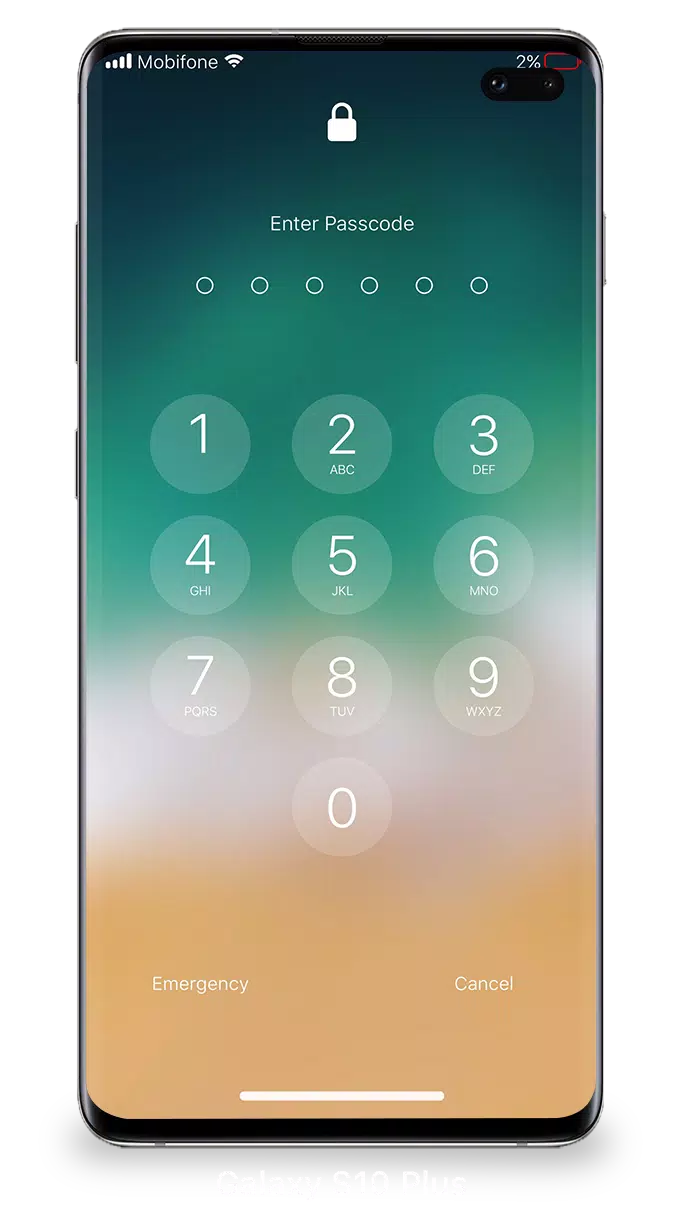
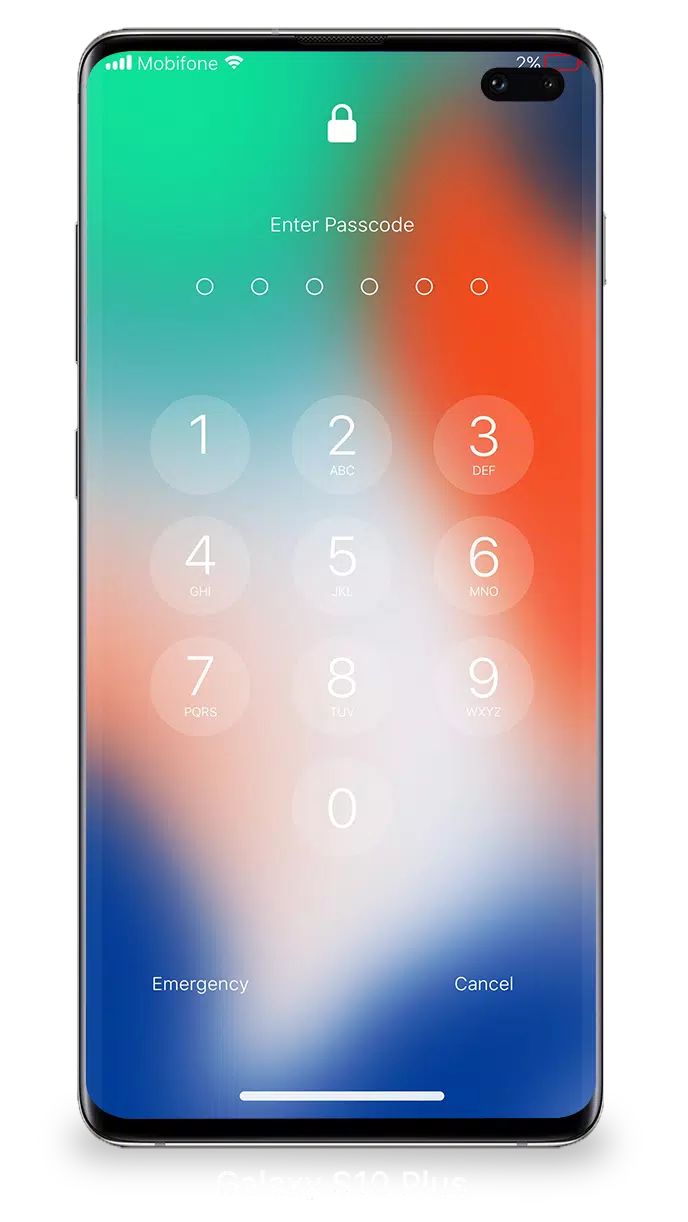
To ensure the security of your device, you can set a passcode. Here’s how to set up a passcode on your iPhone:

  1. Open the Lock Screen & Notification app on your phone.
  2. Tap the 'Passcode' option.
  3. Enable Passcode and enter a six-digit passcode.
  4. Re-enter your passcode to confirm and activate it.

For optimal functionality of Lock Screen & Notifications on iOS 15, you need to grant certain permissions:

  • CAMERA: Allows you to access the camera directly from your Lock Screen.
  • READ_PHONE_STATE: Enables the Lock Screen to be turned off during calls.
  • NOTIFICATION ACCESS: Grants access to view notifications on your device.
  • READ/WRITE_EXTERNAL_STORAGE: Permits downloading additional wallpapers.
  • DRAW OVER SCREEN: Allows the Lock Screen & Notification interface to appear over other apps.

For a detailed guide on using Lock Screen & Notifications on iOS 15, you can watch this tutorial: How to use Lock Screen & Notifications iOS 15.
Screenshot
Lock Screen iOS 15 Screenshot 0
Lock Screen iOS 15 Screenshot 1
Lock Screen iOS 15 Screenshot 2
Lock Screen iOS 15 Screenshot 3
Latest Articles More
  • Xbox Series Price Hike Hits $80 for Holidays

    Microsoft is implementing significant price increases across its Xbox product lineup.The company announced today that prices will rise for Xbox consoles, controllers, headsets, and select games. While console and accessory price hikes take effect imm

    Dec 19,2025
  • Cinnamoroll Joins Monster Hunter Puzzles' Sanrio Collab

    Win Cinnamoroll-inspired cosmetics as rewardsComplete special themed quests for exclusive themed itemsCollaboration event ends on March 16thIf you believed Monster Hunter Puzzles: Felyne Isles couldn't possibly get any more charming, Sanrio is here t

    Dec 19,2025
  • Crucial T500 2TB PS5 SSD Hits Prime Day Record Low

    PS5 and PC gamers seeking to expand their storage should take note of this early Amazon Prime Day offer. For a limited period, Amazon has reduced the price of the Crucial T500 2TB PCIe 4.0 M.2 NVMe solid-state drive to just $124.99 with complimentary

    Dec 19,2025
  • Voidling Bound: Monster-Taming Action Game Launches on PC

    A team of former Skylanders developers has announced Voidling Bound, a new monster-collecting action game for PC scheduled to launch next year. Watch the announcement trailer above and browse the first screenshots in the gallery below.Hatchery Games

    Dec 18,2025
  • BioWare Struggles With Dragon Age, Mass Effect Future

    What's the current state of BioWare? The future of Dragon Age remains unclear, while worries grow about the next Mass Effect installment. Let's explore these concerns in detail.Dragon Age: The Veilguard was meant to mark BioWare's triumphant return t

    Dec 18,2025
  • "Star Wars: Underworld Tales Debuts on Fortnite Before Disney+" (48 chars)

    Fans eager to watch the premiere episodes of Star Wars: Tales of the Underworld can catch them exclusively in Fortnite before they arrive on Disney+.Epic Games announced an expansion of its Star Wars content today, confirming that the animated spinof

    Dec 18,2025