MC Skin Editor for Minecraft is your ultimate tool for crafting and customizing dream skins for Minecraft versions 1.20 and 1.21+, complete with cool animations. This powerful editor allows you to explore, customize, and create an extensive range of available Minecraft skins. Whether you're uploading your own designs, experimenting with AI-generated random skins, or previewing your creations in a realistic 3D environment, the possibilities are endless. You can even compile your favorite skins into a dream skin pack tailored for Minecraft Bedrock Edition.
With over 1000 HD skins created by other talented Minecraft skin makers, you're sure to find inspiration. Merge your unique ideas to craft personalized skins for MCPE that reflect your hobbies and character, making your gameplay experience truly your own.
Features:
- Save and Share: Easily save your custom skins and images to your gallery, and share your creations with the Minecraft community.
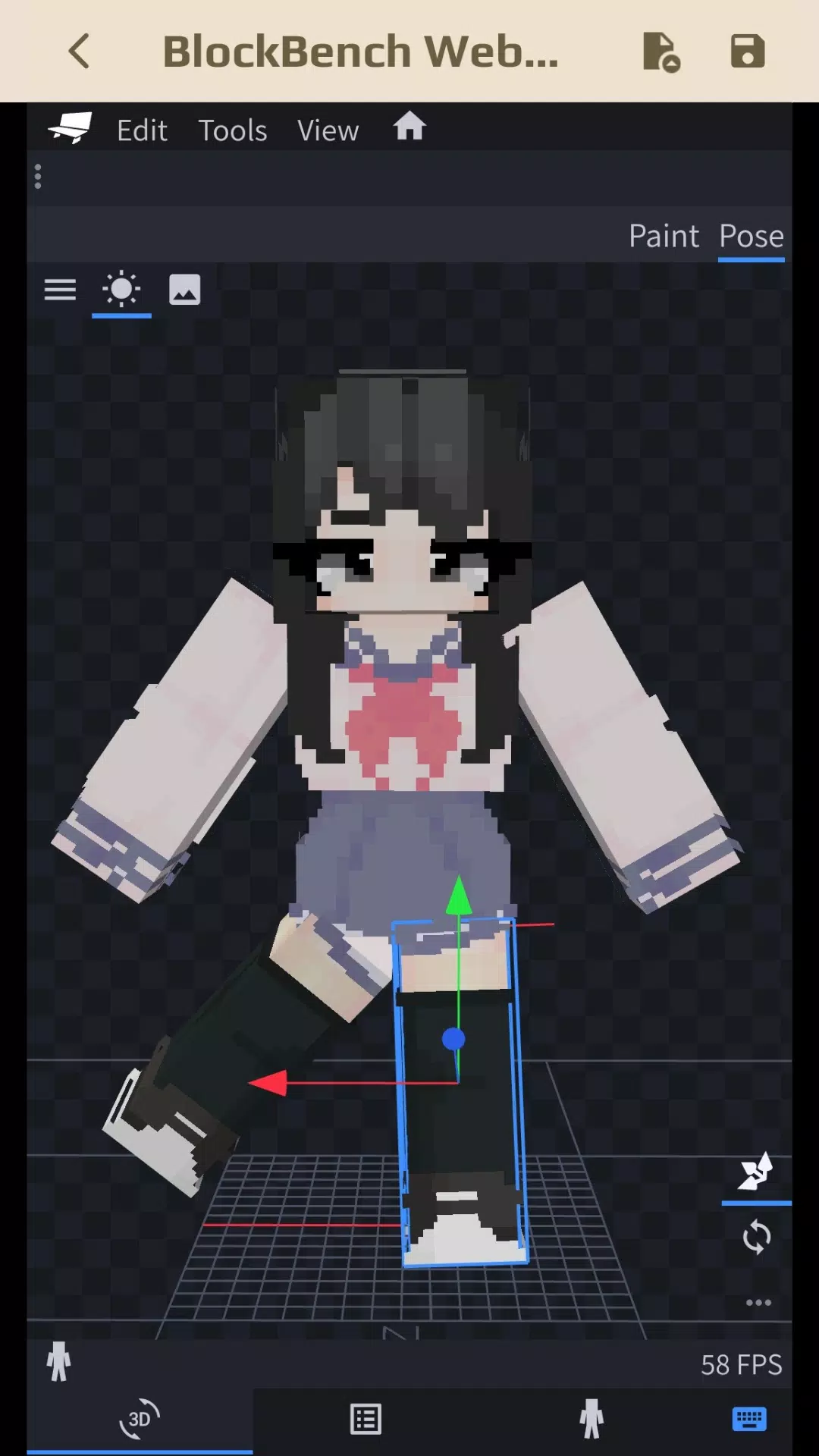
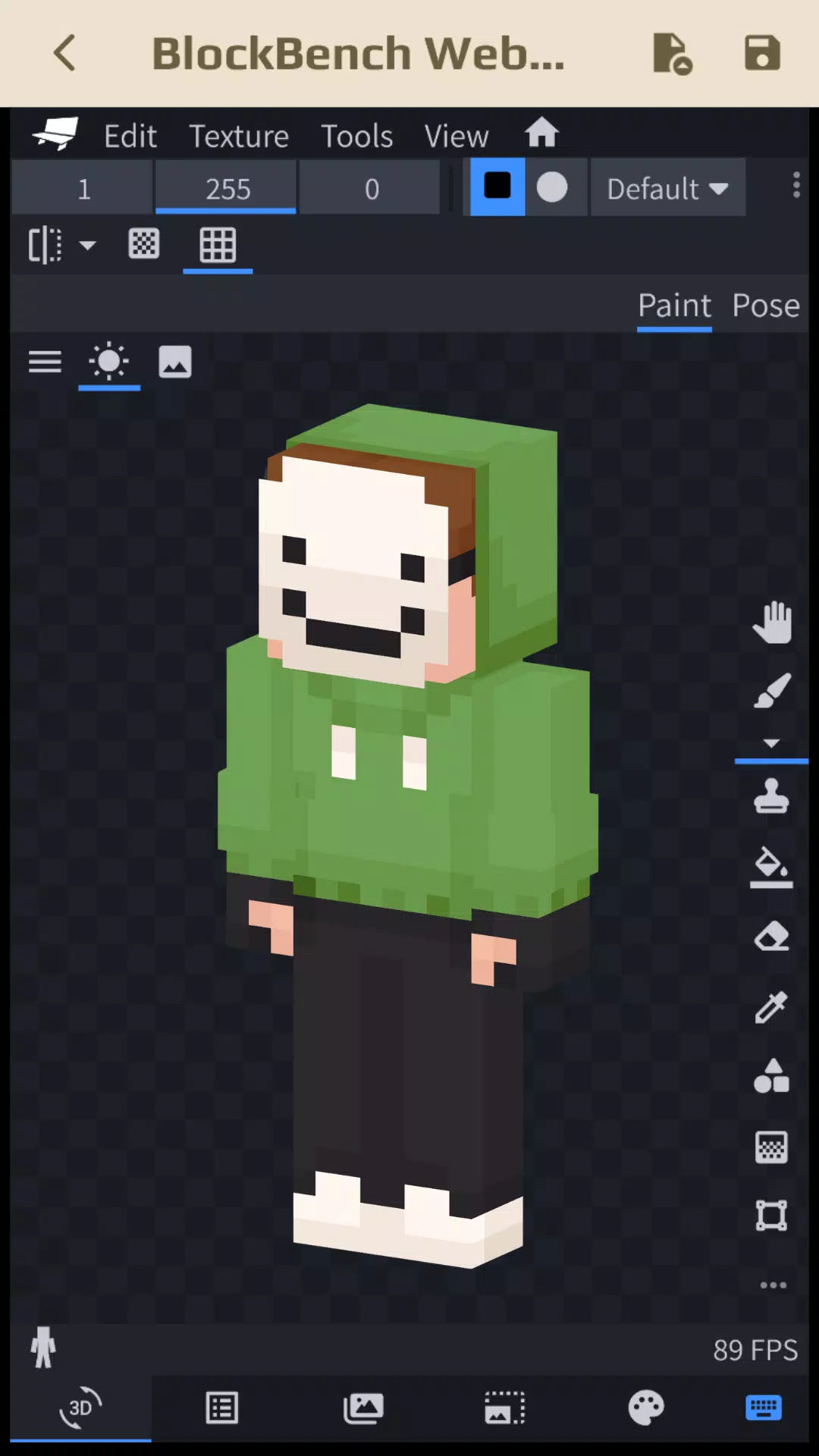
- Advanced Editing: Use Blockbench within the MC Skin Editor to modify and refine your skins, offering a high level of customization.
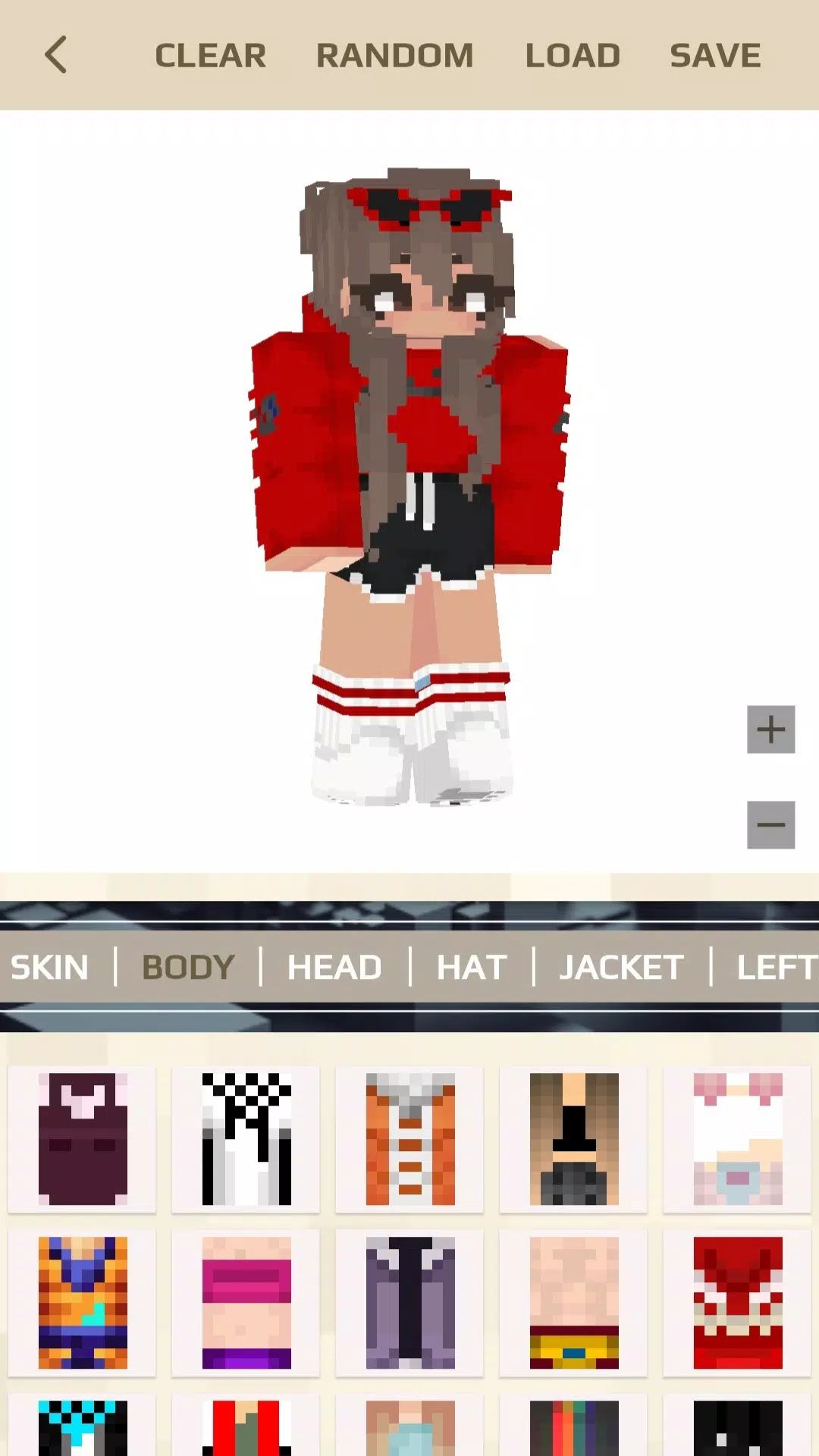
- Creative AI Skins: Utilize the Random Button to generate AI-crafted skins, sparking your creativity.
- Detailed Customization: Change every part of your skin with precision, using available skins for MCPE to ensure every detail matches your vision.
- Personal Touch: Remake and personalize any Minecraft skin to suit your style.
- 3D Preview: Upload and customize your skins in a 3D environment, seeing your creations come to life with realistic animations.
- Skin Pack Creation: Transform your 3D skin creations into skin packs that can be directly imported into the Minecraft game.
- Community Engagement: Share your skin ideas and collections with the community, fostering a collaborative environment.
- Seamless Integration: With one-click import and export capabilities, easily integrate your skins into Minecraft and other compatible games like Crafting and Building, Eeskcraft, and Craftsman.
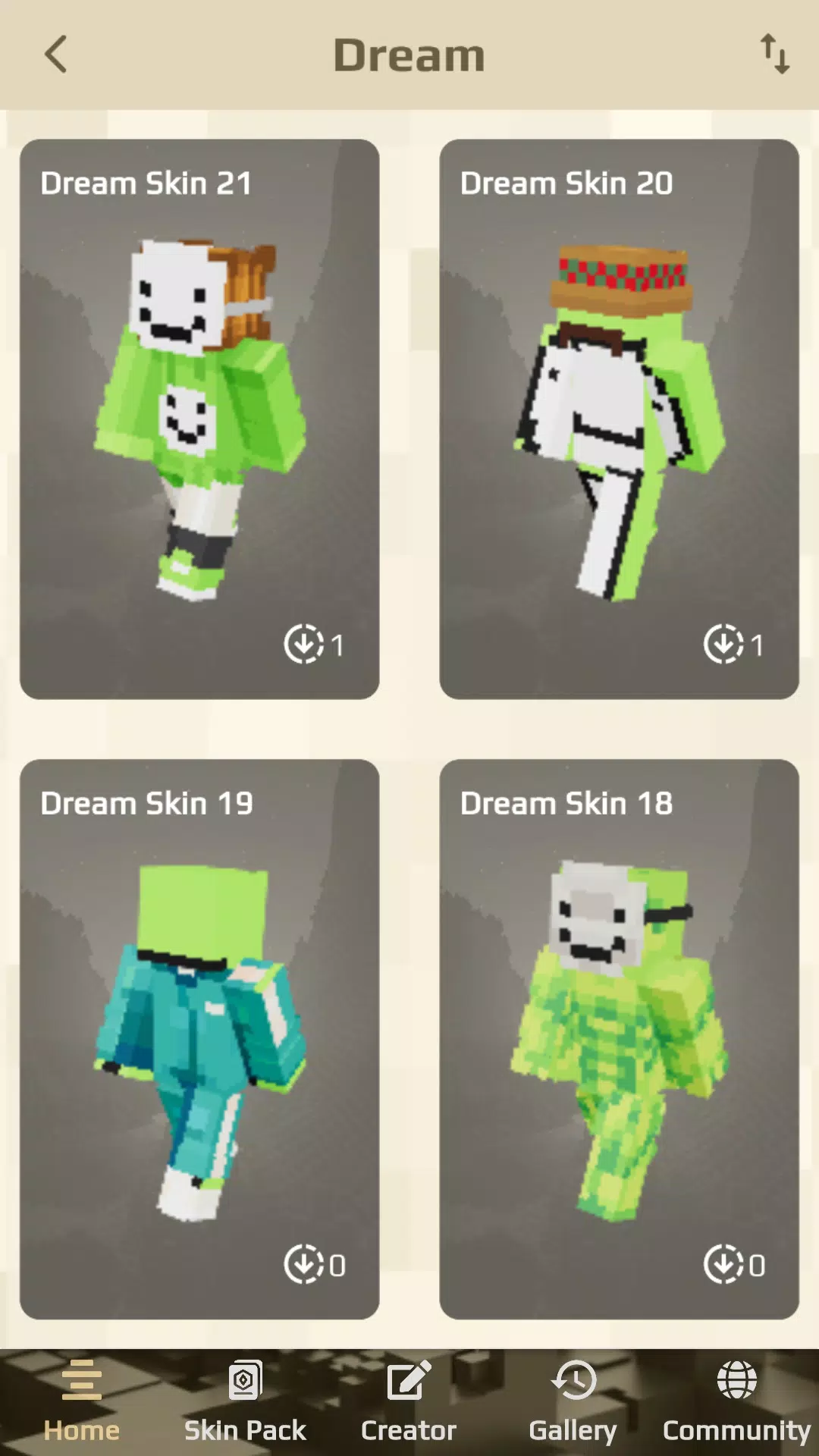
Explore popular categories within the MC Skin Editor such as Dream, Anime, Aesthetics, Boys and Girls, Movies, Games, Fantasy, Mobs, Jenny, and more, ensuring there's something for every Minecraft enthusiast.
Seasonal Updates: The MC Skin Editor for Minecraft keeps your skin collection fresh with automatic updates that introduce seasonal skins for summer, spring, winter, autumn, and special event skins for occasions like Christmas, New Year, and Halloween.
How to Create Skins for Minecraft 1.20 and 1.21:
- Tap to Creator ➨ Create new skin
- Choose Your Tool:
- Skin View 3D: Personalize your skin with three options—select a Random skin, Upload your skin, or Choose from the available skins. Preview your skin in 3D with animations for idle, walk, run, and fly modes.
- Block Bench: Beyond skin creation, you can adjust the model and pose, adding a fun twist to your skins.
Download MC Skin Editor for Minecraft today and unlock a world of possibilities to make your Minecraft character stand out like never before.
Disclaimer:
This is an unofficial application for Minecraft Pocket Edition. The app is not affiliated in any way with Mojang AB. The Minecraft Name, the Minecraft Brand, and the Minecraft Assets are the property of Mojang AB or their respective owners. Copyright Registered. According to http://account.mojang.com/documents/brand_guidelines.