All-In-One Editor for Retouching, Adjusting, and Decorating Photos and Videos
Unlock the full potential of your photos and videos with our professional-grade editing tools and advanced AI technology. Our editor is designed to handle everything from basic adjustments to sophisticated retouching, making it the perfect solution for both amateurs and professionals. Plus, it supports RAW file formats for the ultimate in image quality.
[AI Tools]
Enhance: Boost your photos' clarity and resolution to produce stunning, high-quality images.
AI Skin: Utilize AI to flawlessly correct skin blemishes, ensuring your subjects look their best.
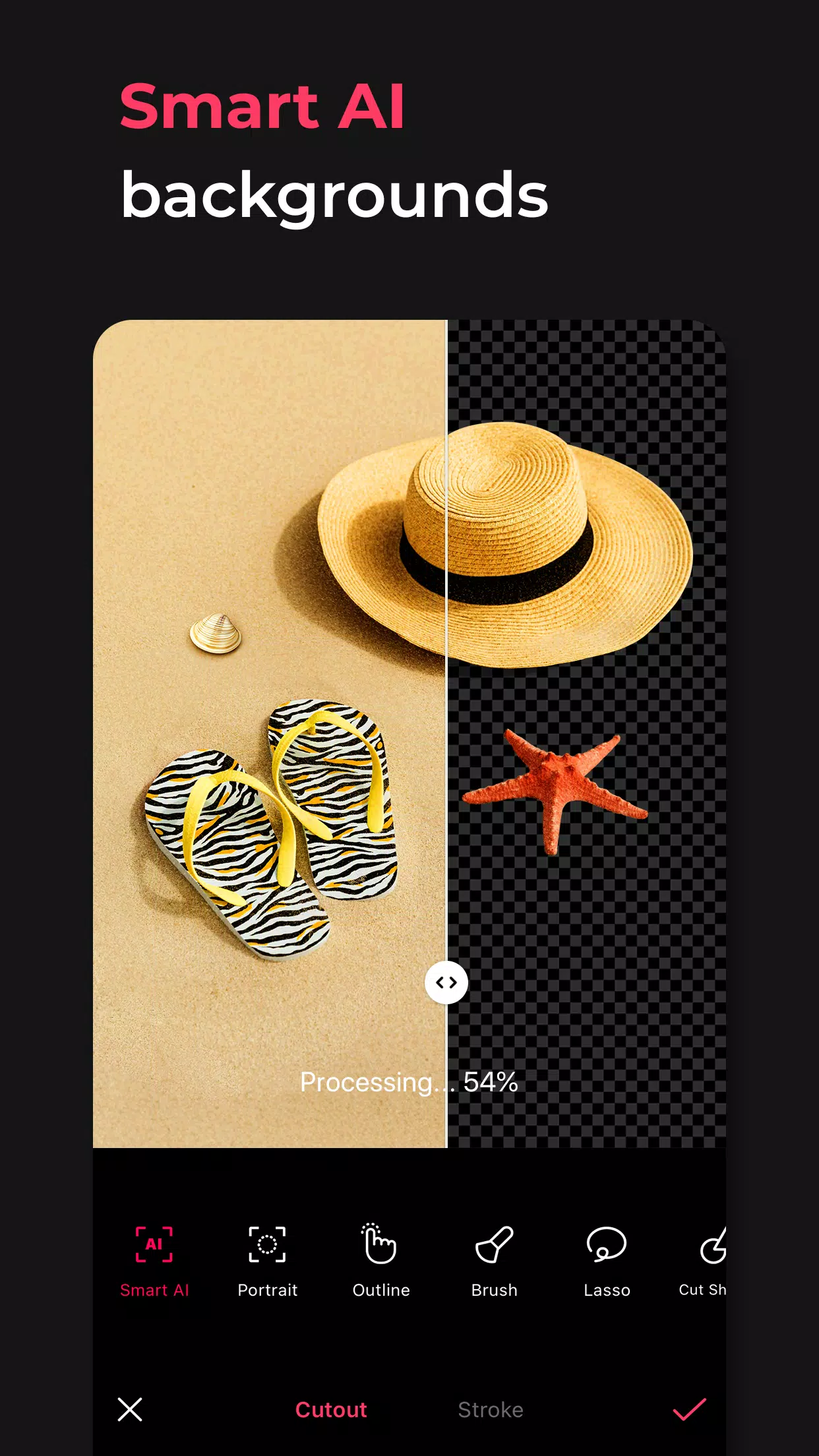
Smart AI Cutout: Accurately isolate figures, objects, and even animals with ease.
Remove: Effortlessly erase unwanted elements from your photos.
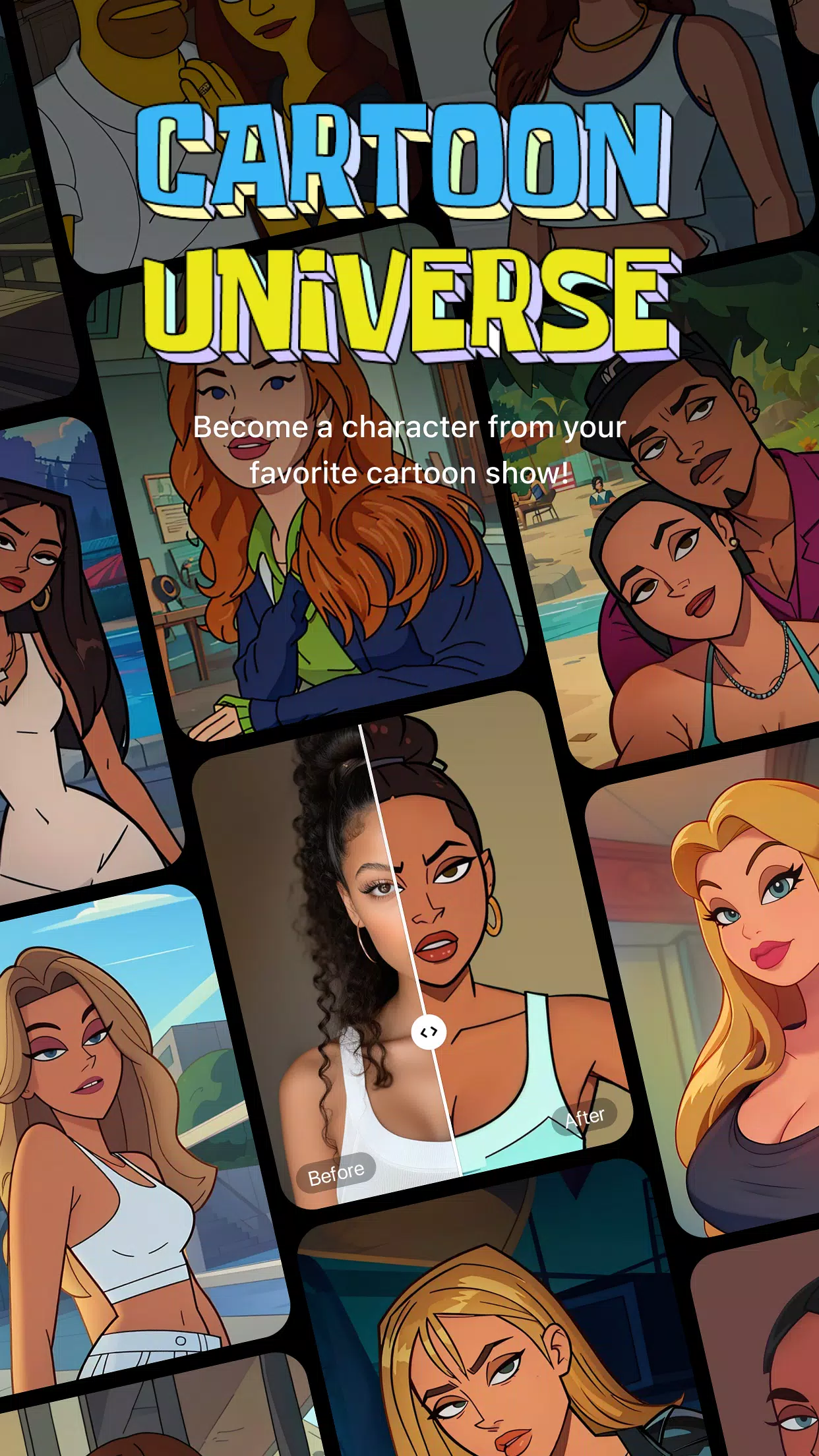
AI Filter: Transform your photos into unique characters with a variety of styles.
Hairstyle and Expression: Experiment with new looks by changing hairstyles and expressions.
[Professional Photo Editing Tools]
HSL, Curves, Split Tone, Selective: Achieve precise color adjustments to enhance your images.
Lux, Texture, Grain, Brilliance, Vignette: Set the mood of your photos with these advanced editing options.
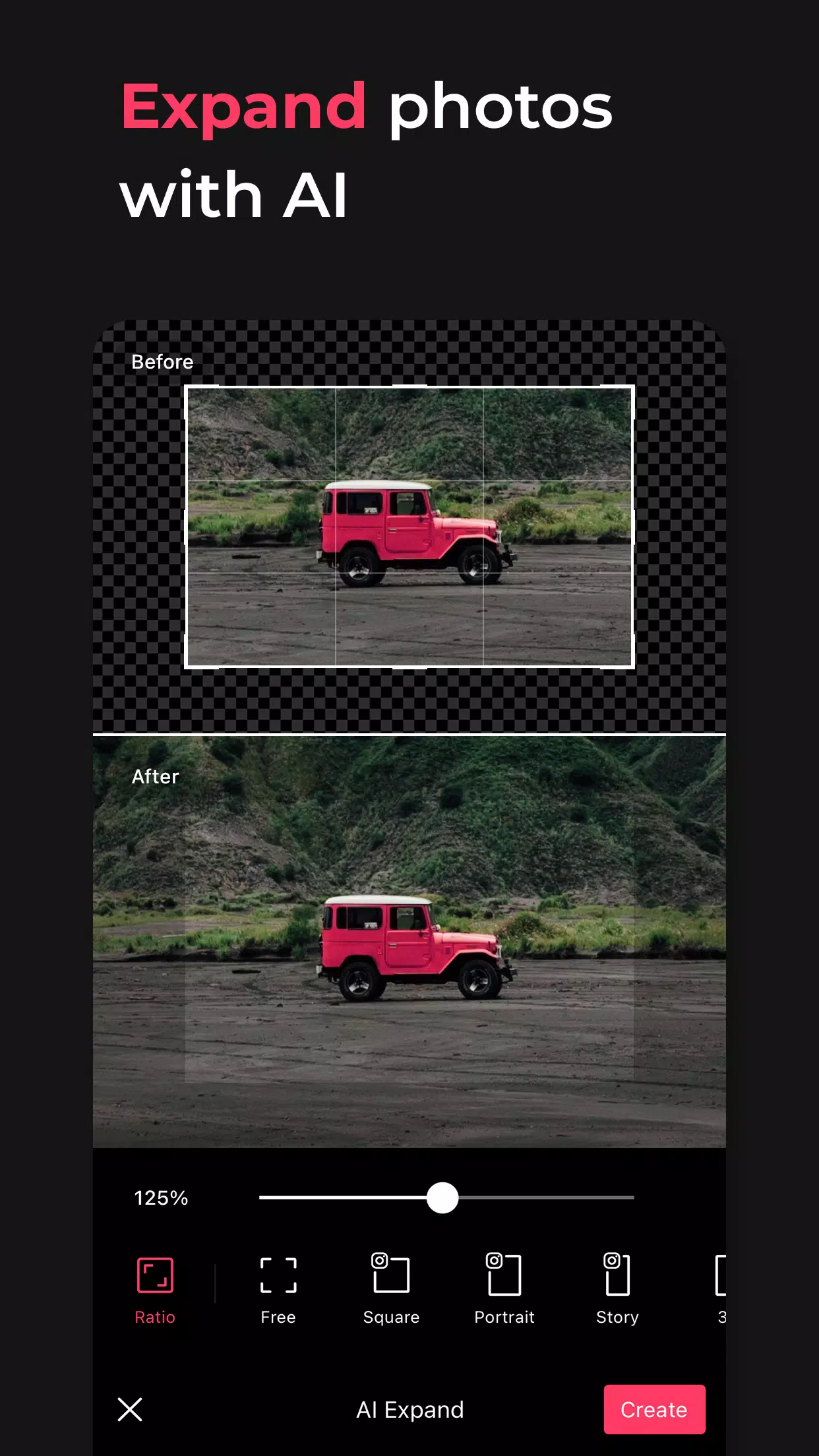
Crop, Rotate, Mirror, Flip, Perspective, Adjust Resolution: Customize your photo's composition to perfection.
Batch: Streamline your workflow by editing multiple photos simultaneously.
Patch, Clone: Seamlessly edit or replicate specific parts of your images.
[Perfect Portraits]
Looks: Transform your portraits with a single tap using our comprehensive beauty tools, including skin retouching, makeup, face tuning, and filters.
Erase Wrinkles, AI Skin, Blemishes: Achieve smooth, flawless skin without any visible imperfections.
Reshape, 3D Face, Mirror Correction, Individual Left-Right Adjustment, Preset, Perspective: Make natural and detailed adjustments to the face for perfect portraits.
Style, Paint, Fine Tune: Apply stylish makeup tailored to enhance your features.
Body, Length: Capture perfect full-body shots and achieve the body shape you desire.
Hair Color, Hairstyle: Experiment with different hairstyles and colors to transform your look.
[Trendy Content]
Filters, Effects, Relight: Add a trendy touch to your photos with our range of filters and effects.
Stickers, Text, Paint, Draw Shapes: Personalize your photos with unique elements.
Time Stamp: Document special moments with a time stamp feature.
Template: Choose from thousands of customizable templates to create stunning visuals.
[Creative Tools]
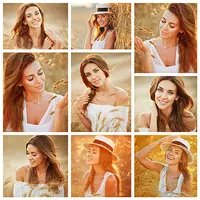
AI Collage: Craft unique collages using different photos seamlessly.
Spot Color: Highlight specific colors to make your images pop.
Mosaic: Experiment with various mosaic and blur effects for artistic flair.
Cutout, Separate: Utilize smart cropping tools to isolate elements in your photos.
Layout: Arrange your photos into cool and creative layouts.
Background, Pattern: Design your own unique backgrounds and patterns.
Custom Stickers, Create One-of-a-Kind Filters: Personalize your editing experience with custom stickers and filters.
[Movie Feature]
Video Mosaic: Apply mosaics to videos with ease, thanks to automatic figure tracking.
Retro Clip: Create vintage-style videos effortlessly.
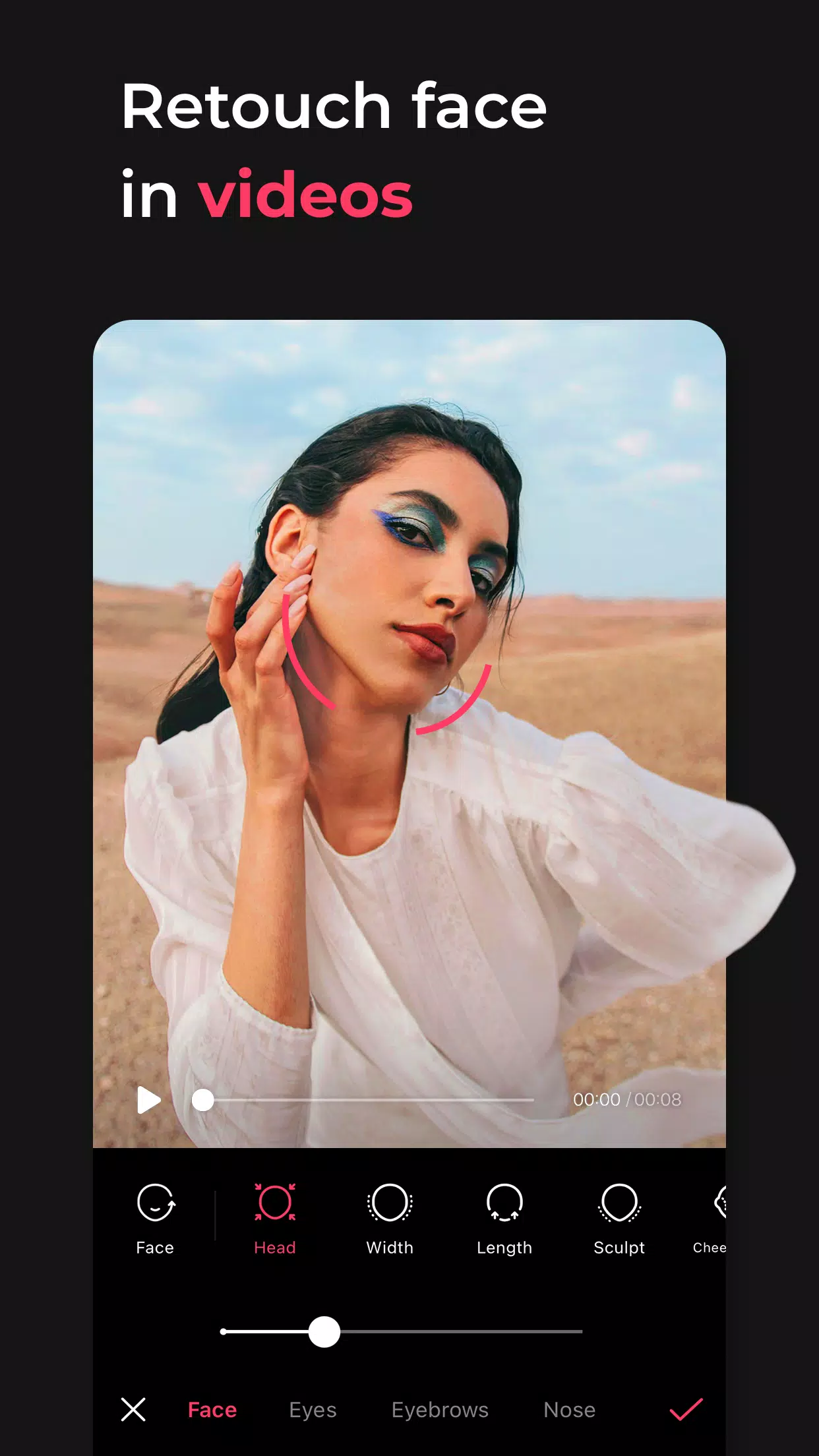
Video Face Edit: Naturally retouch faces within your videos for professional results.
For inquiries about subscriptions, please contact us through [EPIK > Profile > Settings > Contact].