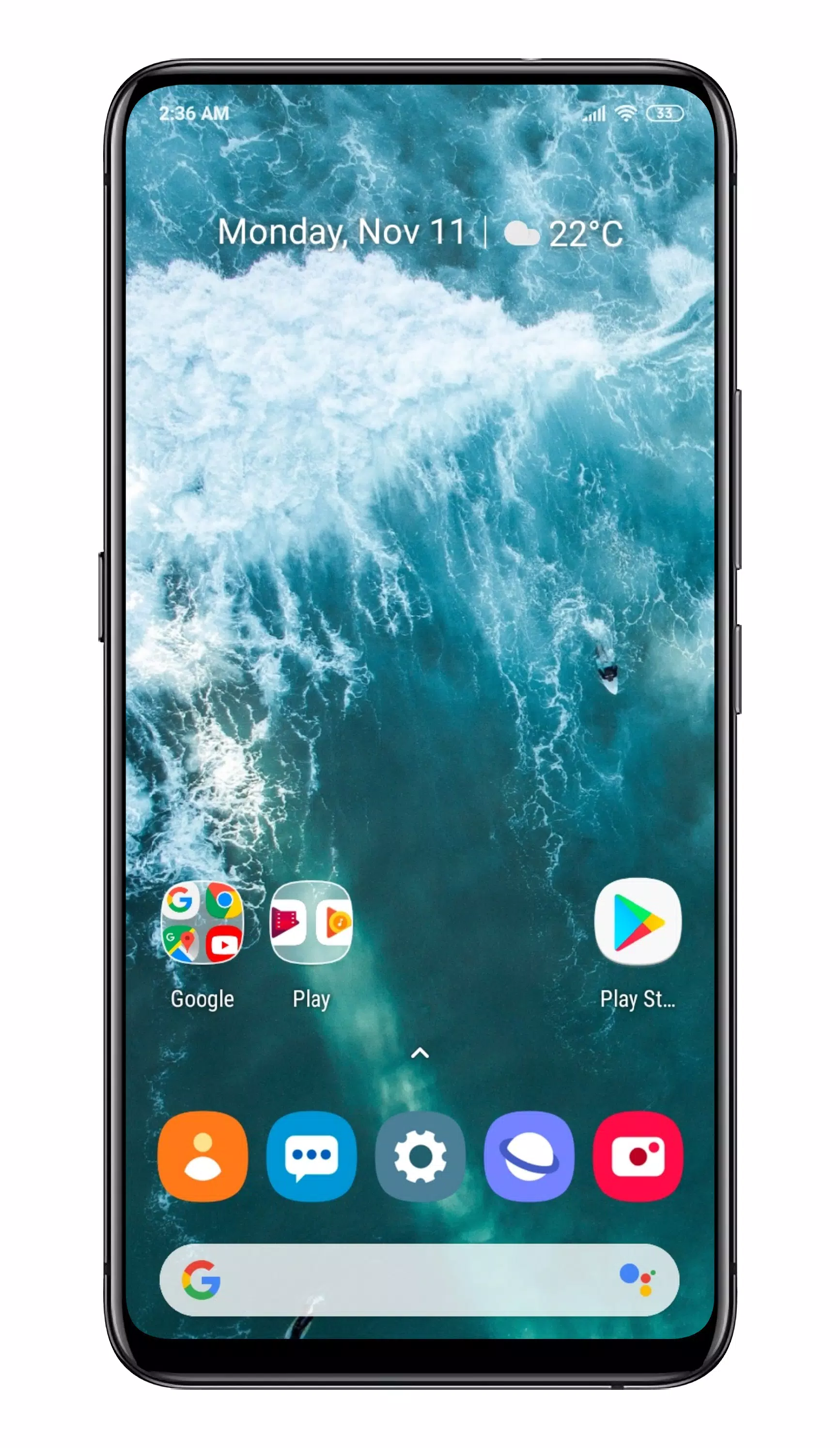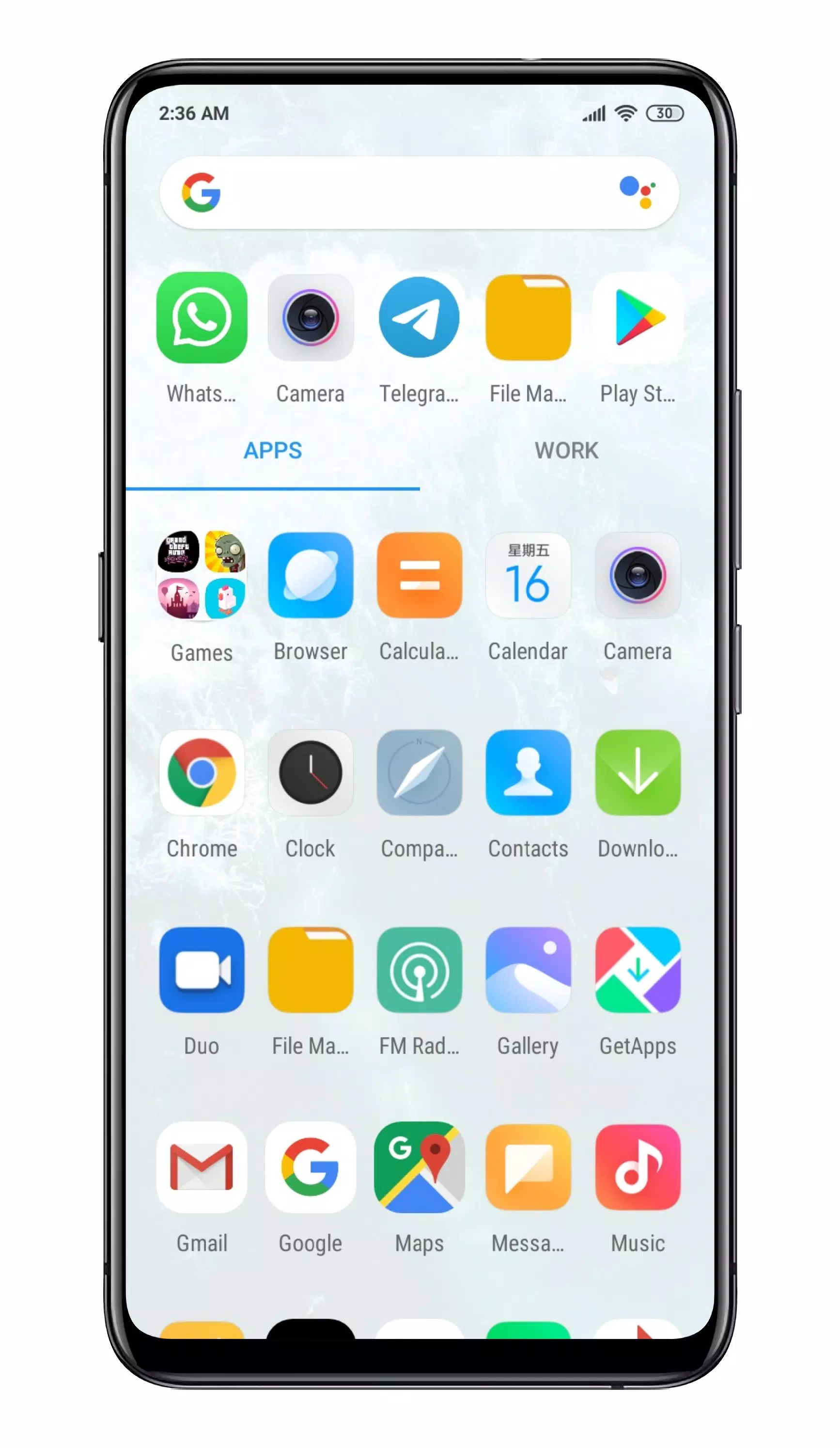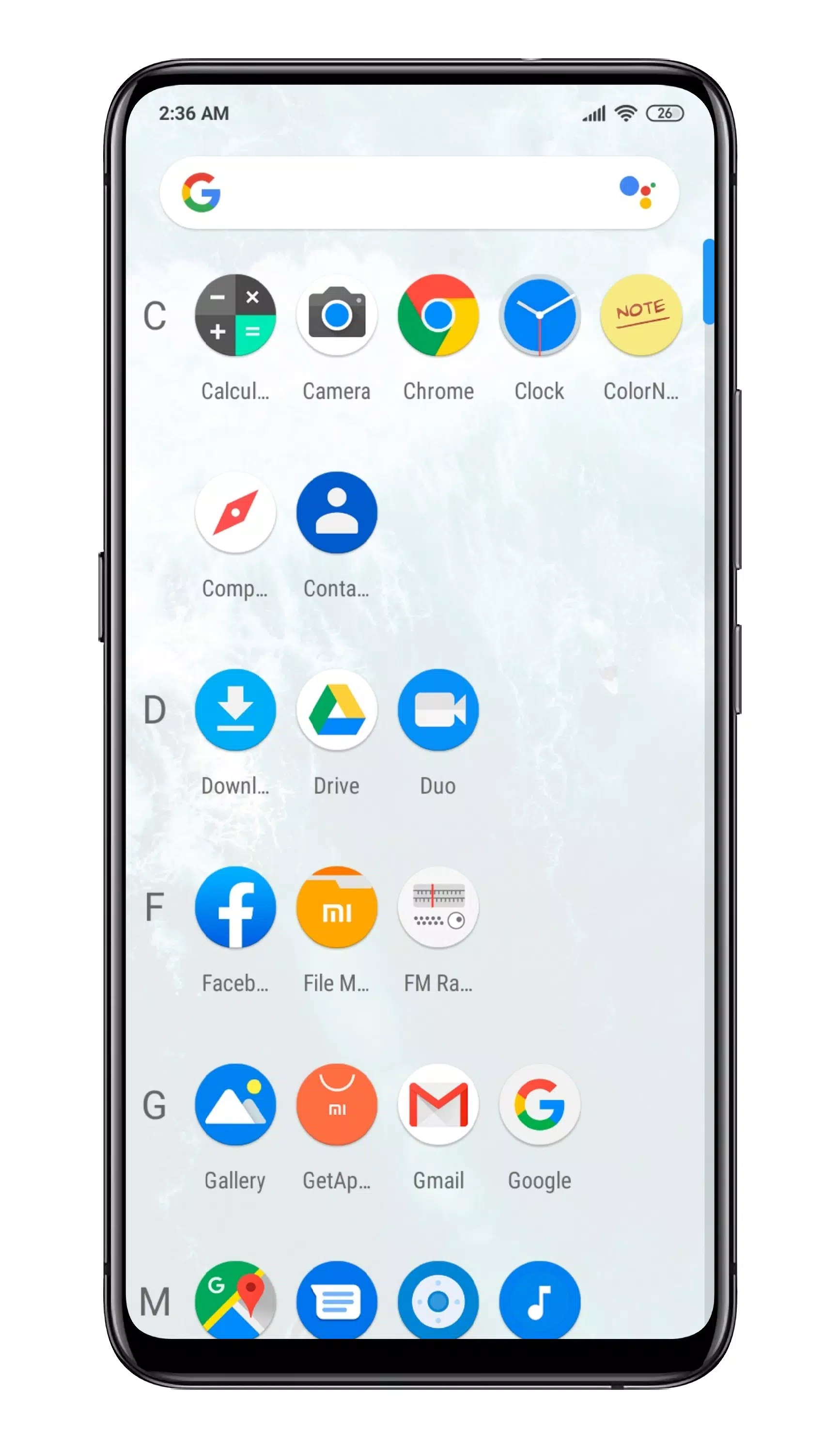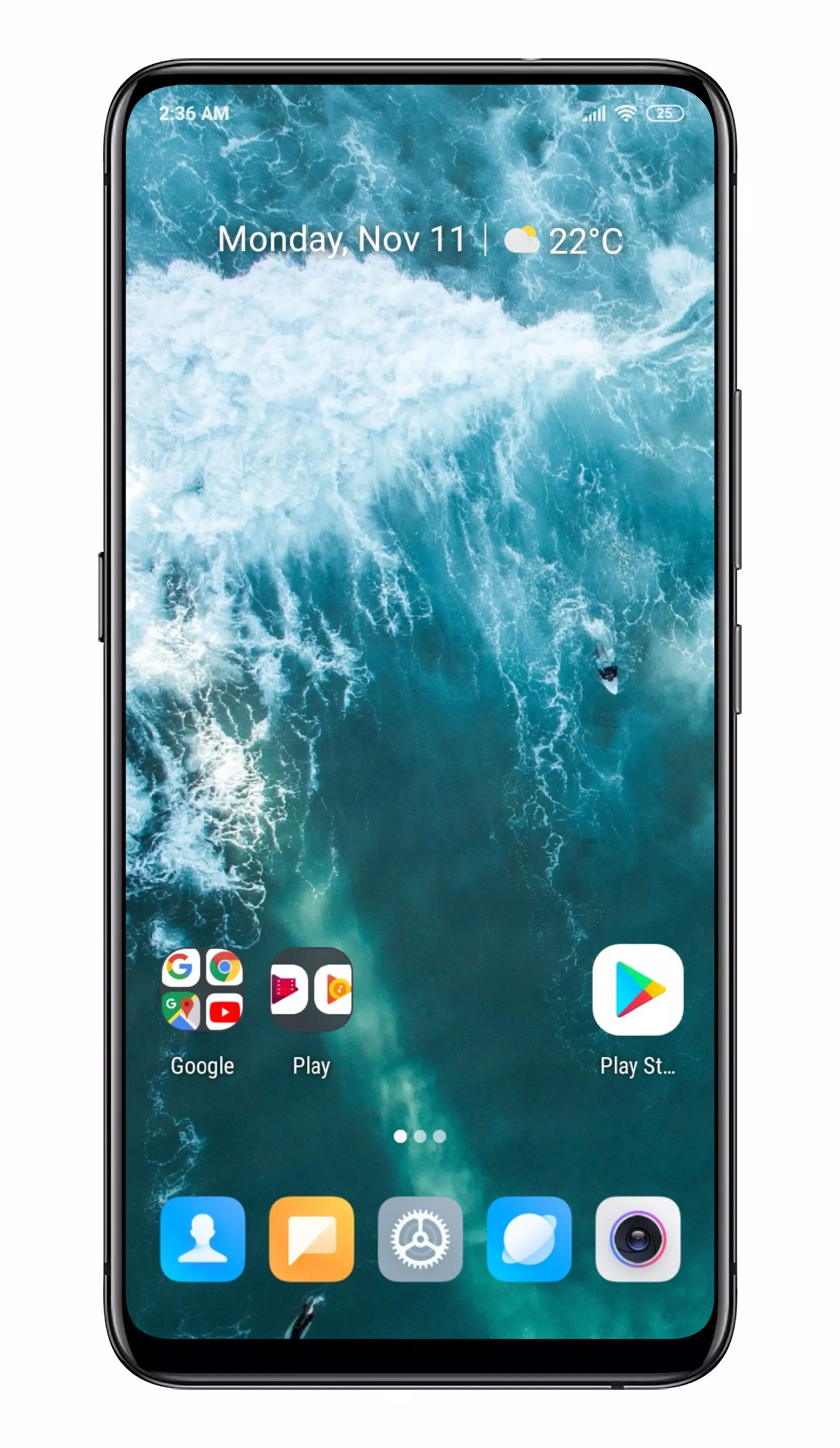
Pear Launcher is your go-to launcher for a seamless and highly customizable experience on your Android device. Designed with performance in mind, this launcher lets you tailor your home screen to fit your style and needs.
Key Features:
- App Drawer Folders: Organize your apps into folders within the app drawer for easy access and a cleaner look.
- Flexible Drawer Styles: Choose between vertical, paged, or sectioned styles to suit your preferences.
- Swipe Up Actions: Set up shortcuts for quick access to your favorite apps or functions with a simple swipe up.
- Google Now Integration: Seamlessly integrate Google Now with the Pear Now companion. You can even display it as an overlay for convenience.
- Customizable Desktop: Personalize your desktop with various options such as indicator styles, grid sizes, icon labels, desktop lock, top shadow, scrollable wallpaper, and adjustable margins.
- Drawer Customizations: Tailor the app drawer to your liking with options like card background, grid size, sorting modes (alphabetical or by install time), search bar visibility, predicted apps, accent colors, direct scroll, and pull dock to open.
- Dock Customization: Enable or disable labels, adjust the number of icons, change the dock's background, or remove it entirely.
- App Hiding: Keep your apps private by hiding them from view.
- App Shortcuts Backport: Access app shortcuts even on older Android versions.
- Folder Customization: Modify the layout, colors of preview and background, labels, and folder opening animations.
- Smart Folders: Create per-folder smart folders with swipe-to-open or click-to-open-first-app options. Smart folders come with a badge for easy identification, and you can set new folders to automatically be smart folders.
- Icon Packs: Explore thousands of icon packs available on the Play Store to match your aesthetic.
- Dark Mode: Enable dark mode across all parts of the launcher for a comfortable viewing experience.
- Icon Normalization: Resize icon shapes to ensure uniformity across your home screen.
- Blur Effects: Apply blur to various UI elements for a modern look.
- Search Bar in Dock: Optionally show the search bar above or below the dock.
- Animated Clock Icon: Add a dynamic touch to your home screen with an animated clock icon.
- Font and UI Customization: Change font styles, hide the notification bar, adjust its color, and customize app opening animations and device orientation.
- Backup & Restore: Easily back up and restore your layout and Pear settings to ensure you never lose your customizations.
- Gestures: Utilize gestures like swipe up, swipe down, double tap, and swipes on the first or last page to perform various actions, including opening the notification bar, quick settings, apps, or the drawer. Set actions for the home button on default or any screen.
- Quickstep Support: Enjoy smooth navigation with Quickstep support on Android 9.
Permissions and Pro Features:
- Device Administrator Privileges: Optionally grant Pear Launcher device administrator privileges to lock your phone using gestures or pear actions.
- Accessibility Services Access: Optionally grant access to open the notification panel, quick settings, recent apps, or lock the screen on Android 9 and above. No data is collected or accessed through these services.
Unlock Pro Features:
- More than 10 apps in drawer folders
- App drawer groups
- Extract badge color from app icon
- Swipe up with two fingers, swipe down with two fingers gestures
- Proximity and shake gestures
With Pear Launcher, you're in control. Customize your Android experience to perfection and enjoy a launcher that's as powerful as it is versatile.