Discover the joy of reading with ReadEra, your ultimate eBook reader designed to handle a variety of formats including PDF, EPUB, Microsoft Word (DOC, DOCX, RTF), Kindle (MOBI, AZW3), DJVU, FB2, TXT, ODT, and CHM. Whether you're into novels, business documents, or academic articles, ReadEra has you covered, allowing you to read books for free and offline.
No Ads
Enjoy an uninterrupted reading experience with ReadEra. This app for reading books and viewing PDF documents is completely free of ads and does not push internal purchases, ensuring a clean and focused environment for your reading pleasure.
No Registration
ReadEra prioritizes your convenience with a fast and reliable reader app that requires no registration. It operates offline, ensuring you can read books anytime, anywhere without any limitations.
Read Books in All Formats
ReadEra consolidates the functionality of multiple reading apps into one powerful tool. It supports a wide range of formats, from eBooks like EPUB, Kindle (MOBI, AZW3), and FB2 to business documents in PDF and DJVU, office files such as Microsoft Word (DOC, DOCX, RTF) and ODT, and even text files in TXT format. The app can also handle files directly from zip archives, making it easy to read books and documents without extra steps.
- PDF Reader: Enhance your PDF reading experience with features like margin cropping and single-column mode, which splits double-page spreads into separate pages. ReadEra efficiently opens large PDF documents, ensuring smooth navigation. - EPUB & MOBI Reader: Fully leverage the capabilities of EPUB and MOBI formats, offering a rich and dynamic reading experience. - WORD Reader: Organizes your book's content by titles for easy navigation. - FB2 Reader: Opens FB2 format books directly from zip archives, eliminating the need for unpacking.
ReadEra truly is a versatile reader for books, journals, articles, and other documents, all within one convenient app.
Best Book Manager for Your Library
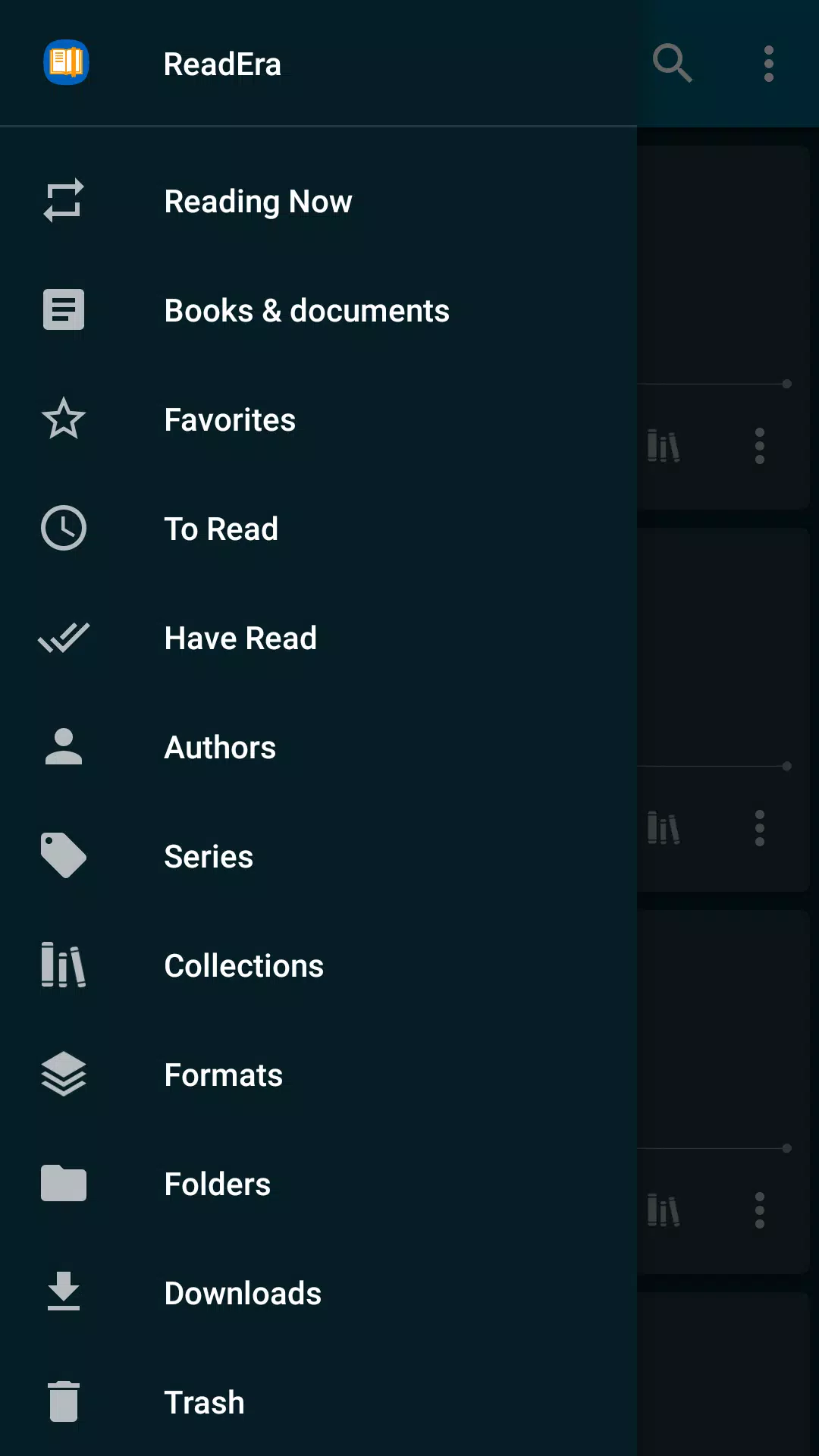
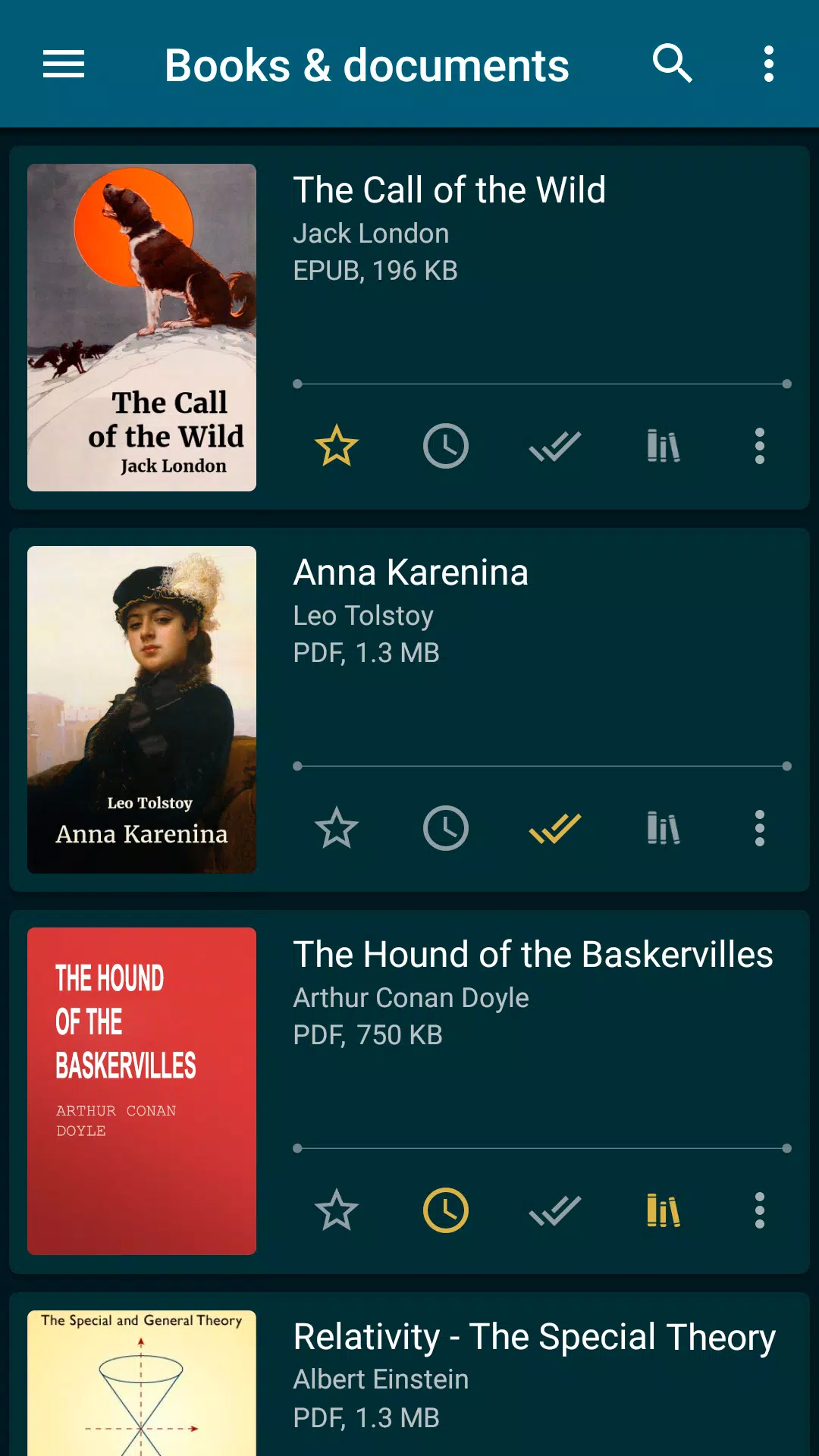
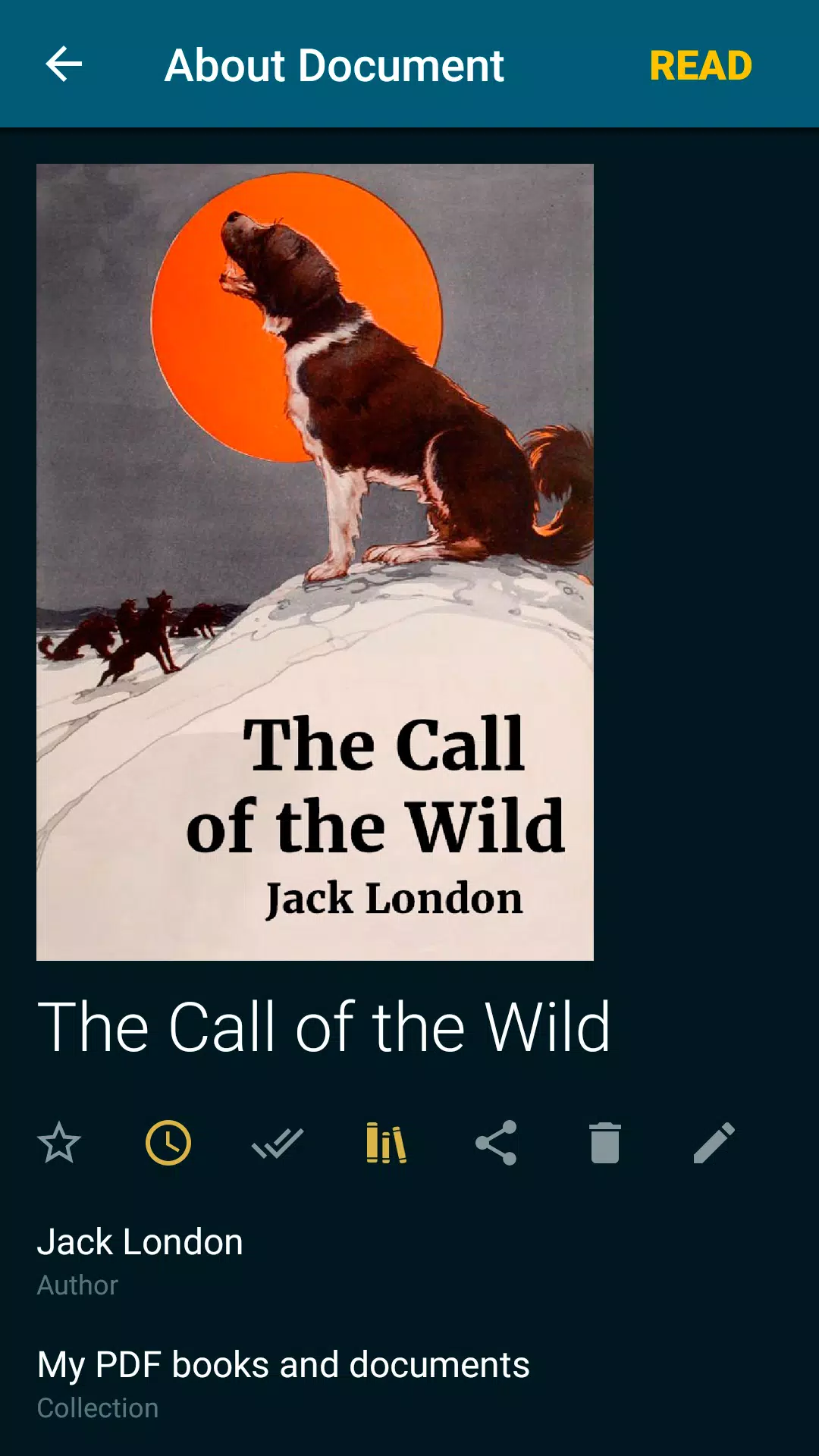
With ReadEra, managing your eBook library is a breeze. The app automatically detects books and documents downloaded from the internet, making them readily available for reading. Navigate effortlessly through your folders and downloads, and group your books by authors and series. Create personalized reading lists such as "To Read," "Have Read," and "Favorites," and organize your books into thematic collections using the Collections tool. You can add books to multiple collections simultaneously, keeping your eBook library neat and organized.
Navigation Through a Book
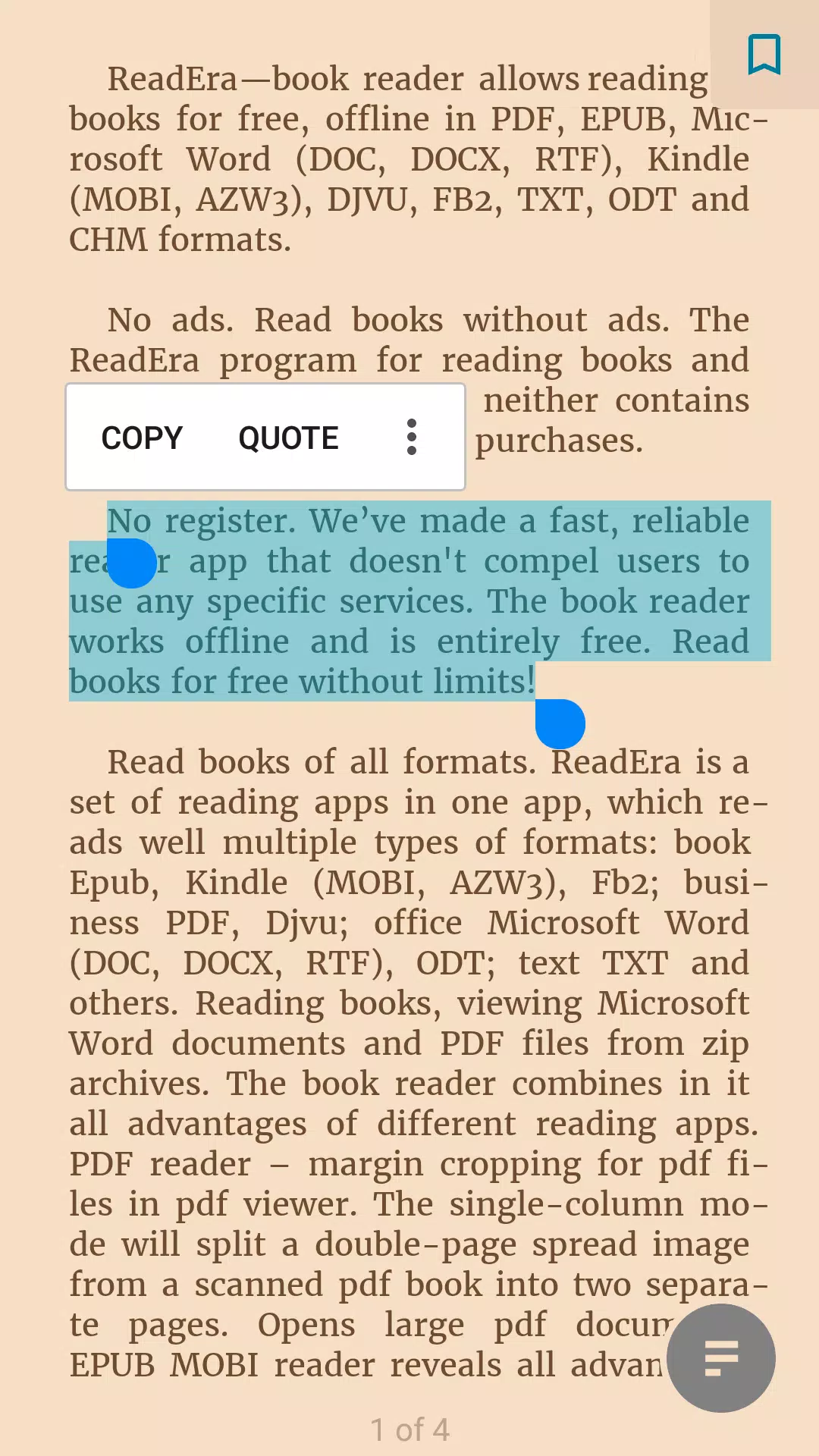
ReadEra offers quick access to a variety of reading tools including settings, table of contents, bookmarks, text highlights, quotes, notes, and page browsing history. Navigate through your book using the page pointer or progress line. Enjoy the convenience of footnotes displayed at the bottom of the page in formats like EPUB, MOBI, DOCX, and FB2, mimicking the experience of reading a physical book. The app also displays the total number of pages in the book and the pages within the current chapter.
Convenient Reading Settings
ReadEra ensures your reading experience is tailored to your preferences with auto-saving of your current reading page. Choose from various color modes like day, night, sepia, and console, and opt for either horizontal or vertical page flipping. Adjust screen orientation, brightness, and page margins, including for PDF and DjVu files. Customize font type, size, boldness, line spacing, and hyphenation for Microsoft Word, EPUB, Kindle (MOBI, AZW3), FB2, TXT, and ODT files. Zoom options are available for PDF and DjVu files, enhancing your reading experience.
Economized Memory Usage
ReadEra is designed to be memory-efficient. It does not copy books and documents into its store, detects duplicate files, and saves bookmarks and the current reading page, even if files are moved or deleted. This means you can delete files and download them again without losing your place. ReadEra also supports storing data on the SD card, further optimizing your device's memory usage.
Multi-Document Mode
With ReadEra, multitasking is easy. You can read multiple books and documents simultaneously, utilizing split-screen mode to view two documents at once, such as EPUB books and PDF journals. Switch effortlessly between Microsoft Word, ODT, PDF documents, and EPUB/MOBI and Kindle books using the "Active apps" system button.
ReadEra is your go-to app for reading PDF, EPUB, Kindle (MOBI, AZW3), TXT, FB2 books, and Microsoft Word (DOC, DOCX, RTF), ODT documents, as well as a powerful PDF viewer for Android. Experience the ease and freedom of reading books with ReadEra!