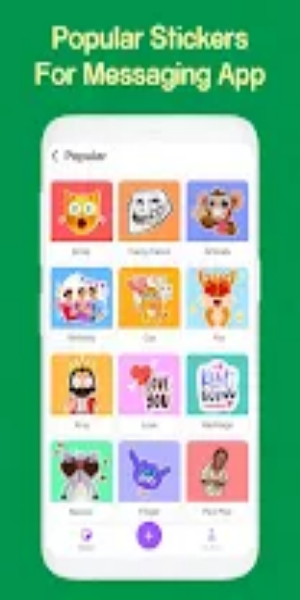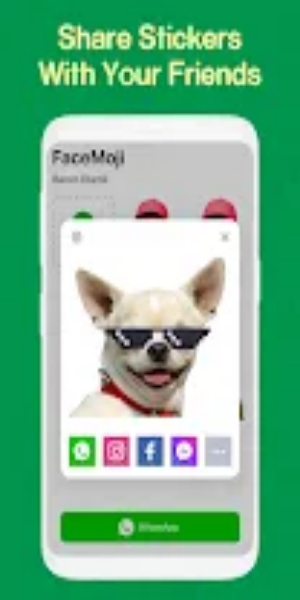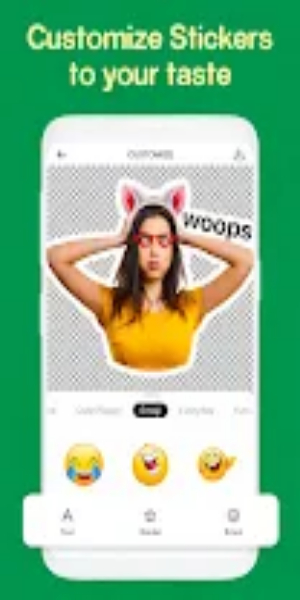
With the Sticker Maker Create Stickers app, you can easily craft personalized stickers and emojis for WhatsApp. Design unique stickers using your own photos or create memes by adding text to your sticker packs. The app features a straightforward and intuitive interface, allowing you to create an endless variety of photo stickers, memes, text stickers, and send fun emojis to your friends effortlessly.
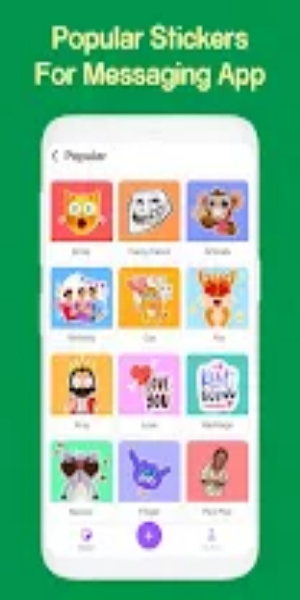
Detailed guide to get you started
- Select an Image: Choose an image from your gallery or capture one using your camera (camera and photo storage permissions are required).
- Edit Image: Once you've selected an image, you can crop, rotate, or flip it as needed. Click 'Crop' when you're satisfied with the adjustments.
- Remove Background: Use the background eraser tool to remove unwanted parts from the image. Click 'Save' once you've cleaned up the background.
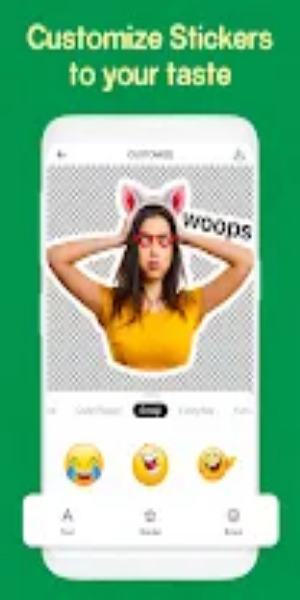
- Add Text and Emojis: Enhance your sticker with text. Use the Text option to write anything on the sticker. You can change the font, color, and add emojis to personalize your design.
- Finalize Your Design: Click 'Save' once you're happy with how your sticker looks.
- Integrate with WhatsApp: Easily add your sticker pack to WhatsApp using the 'Add to WhatsApp' button.
- Enjoy Your Stickers: Start using your custom stickers in WhatsApp and enjoy expressing yourself in chats with friends and family.
With our Sticker Maker free app, creating and using personalized stickers becomes a fun and creative experience. Express yourself uniquely with every sticker you create!
Features of Sticker Maker Create Stickers App
Easily create your own stickers for WhatsApp with Sticker Maker Create Stickers. Cut out the perfect image from your gallery or use memes to customize your conversations.
- User-Friendly Interface: Enjoy a straightforward and intuitive interface that simplifies the sticker creation process for WhatsApp.
- Customizable Stickers: Create personalized stickers by cutting out images, including memes or personal photos. Enhance them further with text stickers and drawings for unique creations.
- Limitless Creativity: Explore endless possibilities with the ability to create millions of sticker packs for WhatsApp. Use your camera or select images from your gallery to craft stickers that suit any mood or occasion.
- Seamless WhatsApp Integration: Easily integrate with WhatsApp to effortlessly export stickers directly into WhatsApp's sticker section. Share your favorite stickers with friends and use them in chats instantly.
- Versatile Functionality: Beyond stickers, users can also cut out memes, photos, and shapes, expanding creative possibilities. The app provides tools for meme creation, offering a dynamic and enjoyable experience.
- Regular Updates: Benefit from frequent updates that ensure the app remains easy to use and packed with the latest features. Stay ahead with continuous improvements that enhance user experience and functionality.
Download Sticker Maker Create Stickers APK for Android Now
In summary, the Sticker Maker Create Stickers App is an ideal choice for users looking to personalize their WhatsApp conversations with unique stickers. Its intuitive interface, extensive range of customization options, and smooth integration with WhatsApp make it essential for anyone wanting to enhance their messaging experience. With regular updates and the additional feature of meme creation, this app ensures a delightful and creative journey for users aiming to inject fun into their chats. Click now to download and begin crafting your distinctive stickers for WhatsApp! Explore the Sticker Maker Create Stickers app today and unleash your creativity by crafting personalized stickers and memes effortlessly!