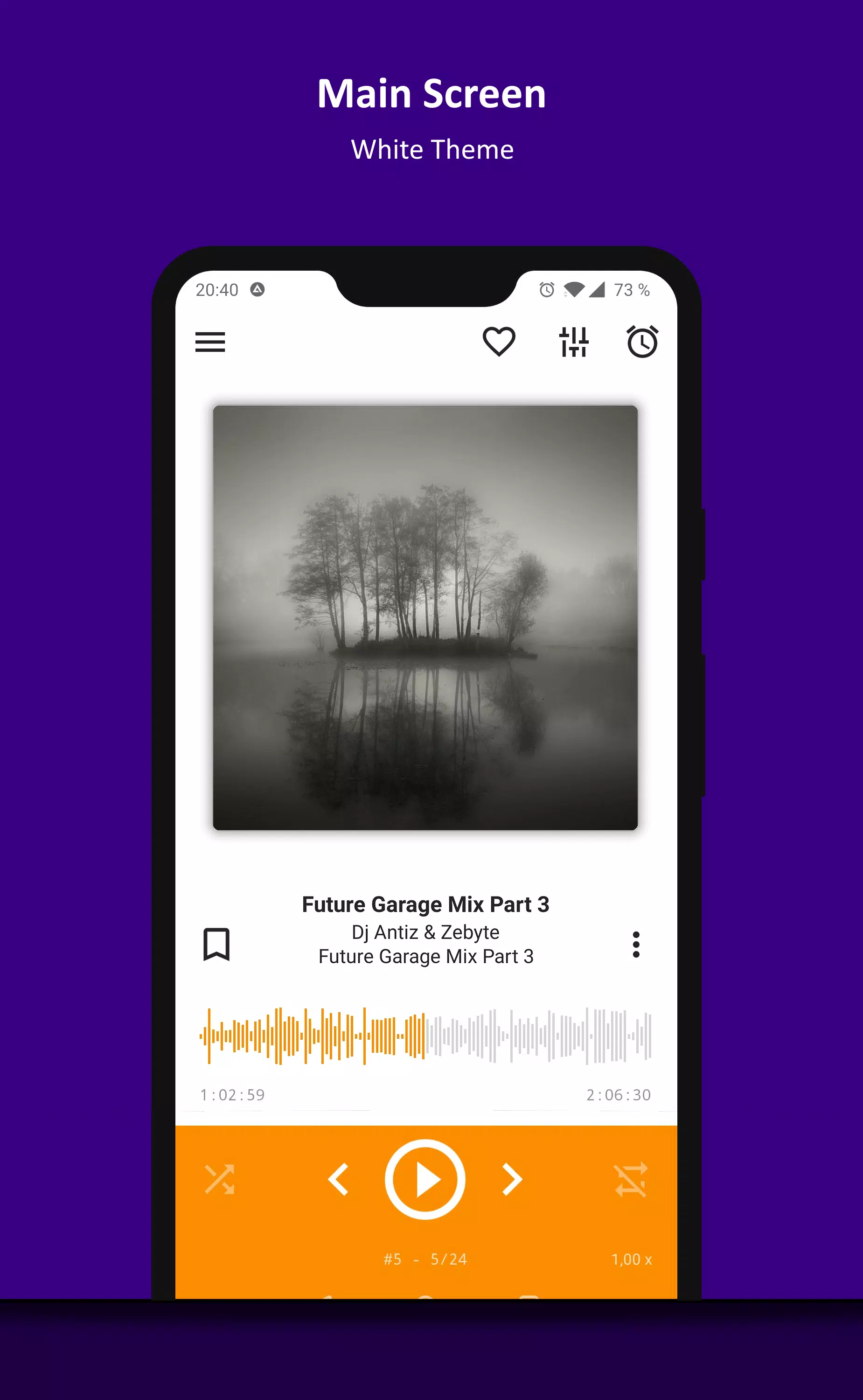
AIMP is a classic, playlist-based audio player designed for Android OS, perfect for music enthusiasts seeking a robust and feature-rich listening experience. However, users should be aware that the app may not function correctly on devices running M.I.U.I firmware.
Key Features:
Supported Formats: AIMP supports an extensive range of audio formats including aac, ape, dff, dsf, flac, it, m4a, m4b, mo3, mod, mp2, mp3, mp4, mpc, mpga, mtm, ogg, opus, s3m, tta, umx, wav, webm, wv, and xm.
Supported Playlists: Enjoy seamless playlist management with support for m3u, m3u8, xspf, pls, and cue formats.
Android Auto and Car PC Compatibility: Seamlessly integrate AIMP with Android Auto and custom Car PCs for an enhanced driving experience.
Audio Output Methods: Choose from OpenSL, AudioTrack, or AAudio output methods for optimal audio performance.
CUE Sheets Support: Utilize CUE sheets for better track management and organization.
OTG and Custom File Providers: Access your music via OTG storages and custom file providers with ease.
User Bookmarks and Playback Queue: Set personal bookmarks and customize your playback queue to tailor your listening experience.
Album Arts and Lyrics: Enhance your music experience with album art and synchronized lyrics.
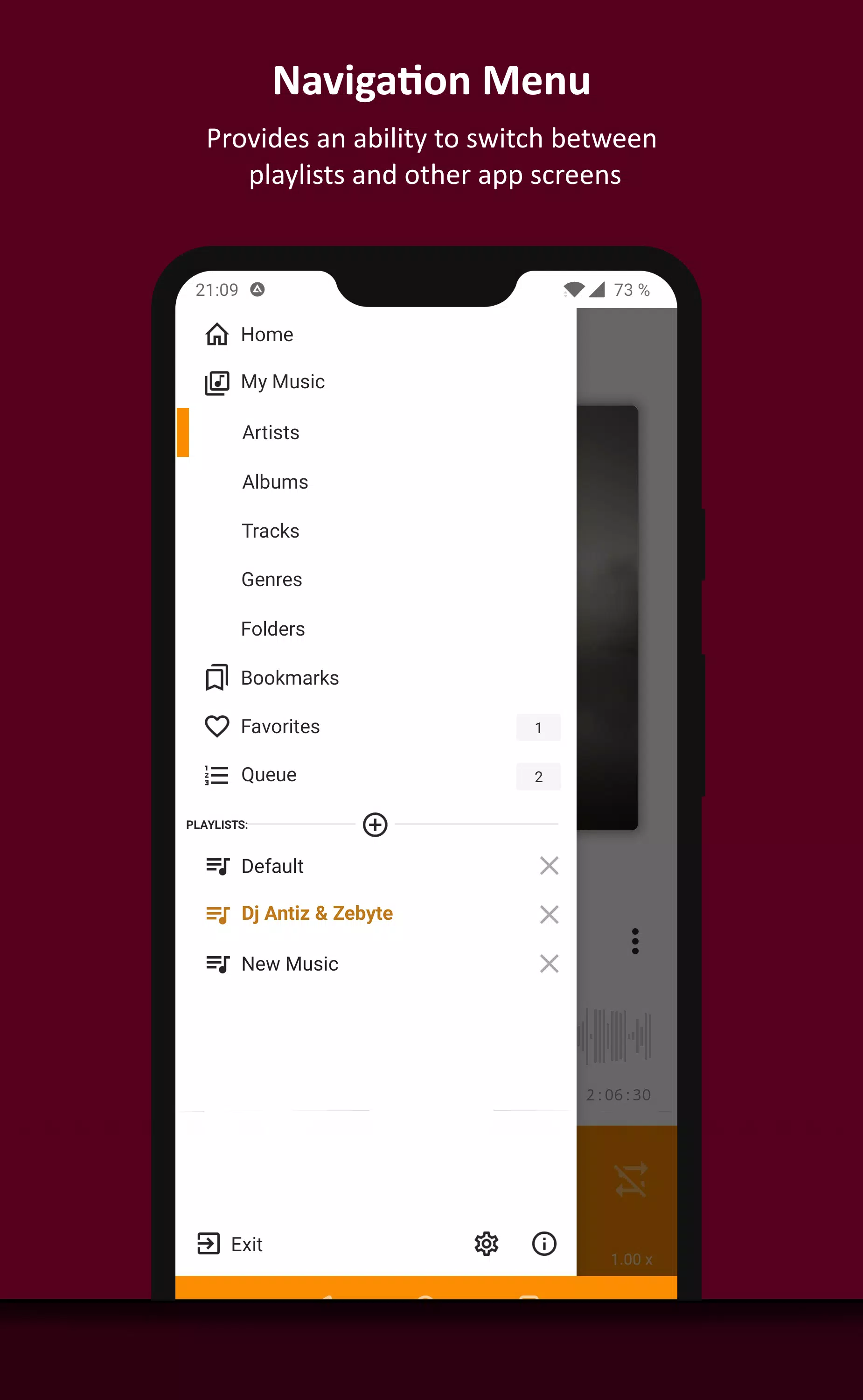
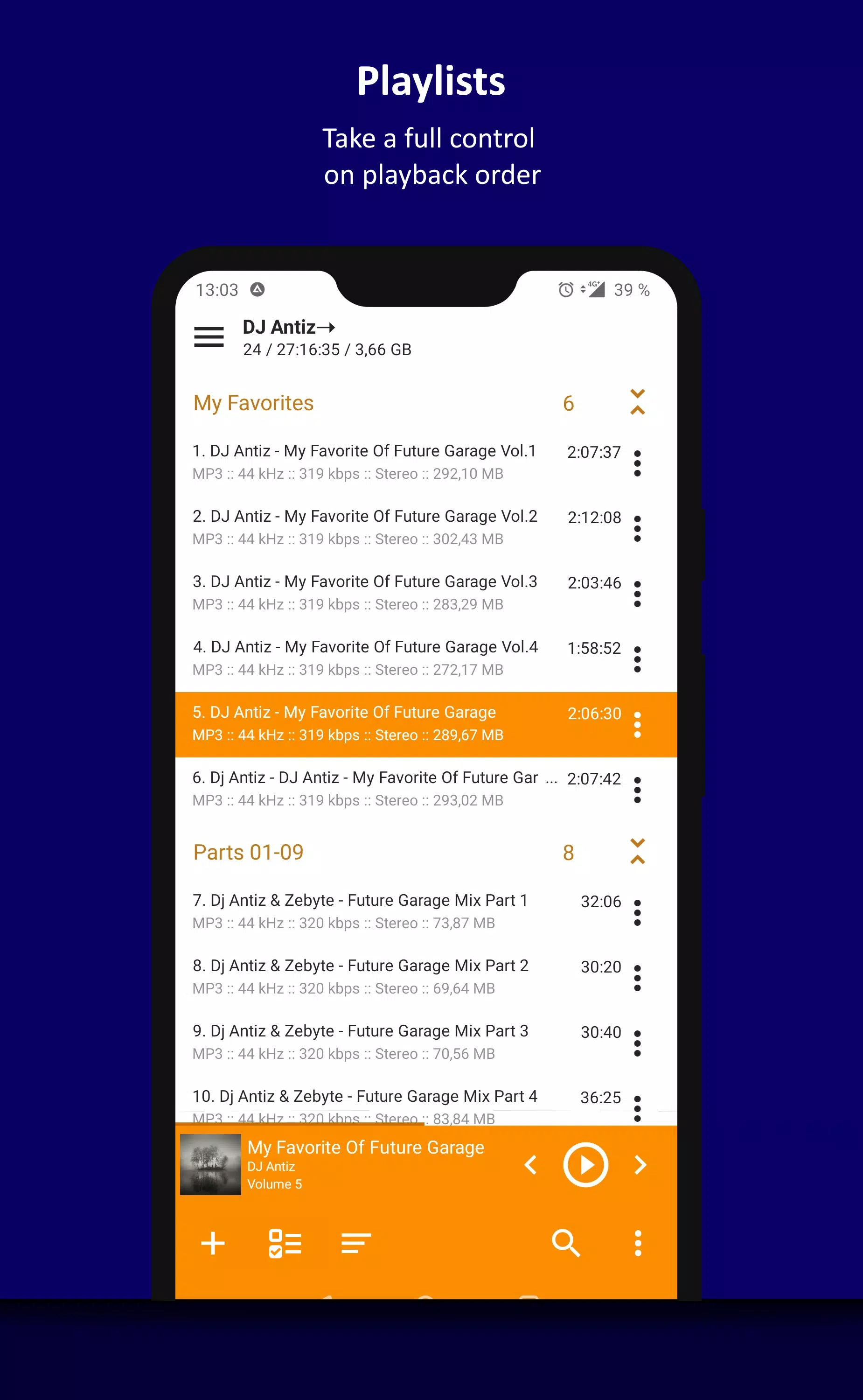
Multiple and Smart Playlists: Create multiple playlists and smart-playlists based on folders for organized music listening.
Internet Radio: Stream internet radio, including Http Live Streaming, directly within the app.
Tag Encoding Detection: Automatically detect tag encodings for better metadata management.
20-Band Graphic Equalizer: Fine-tune your audio with a built-in 20-band graphic equalizer.
Balance and Playback Speed Control: Adjust the audio balance and playback speed to suit your preferences.
Volume Normalization: Use replay gain or peak-based normalization for consistent volume levels across tracks.
Sleep Timer: Set a sleep timer to automatically stop playback at the end of your listening session.
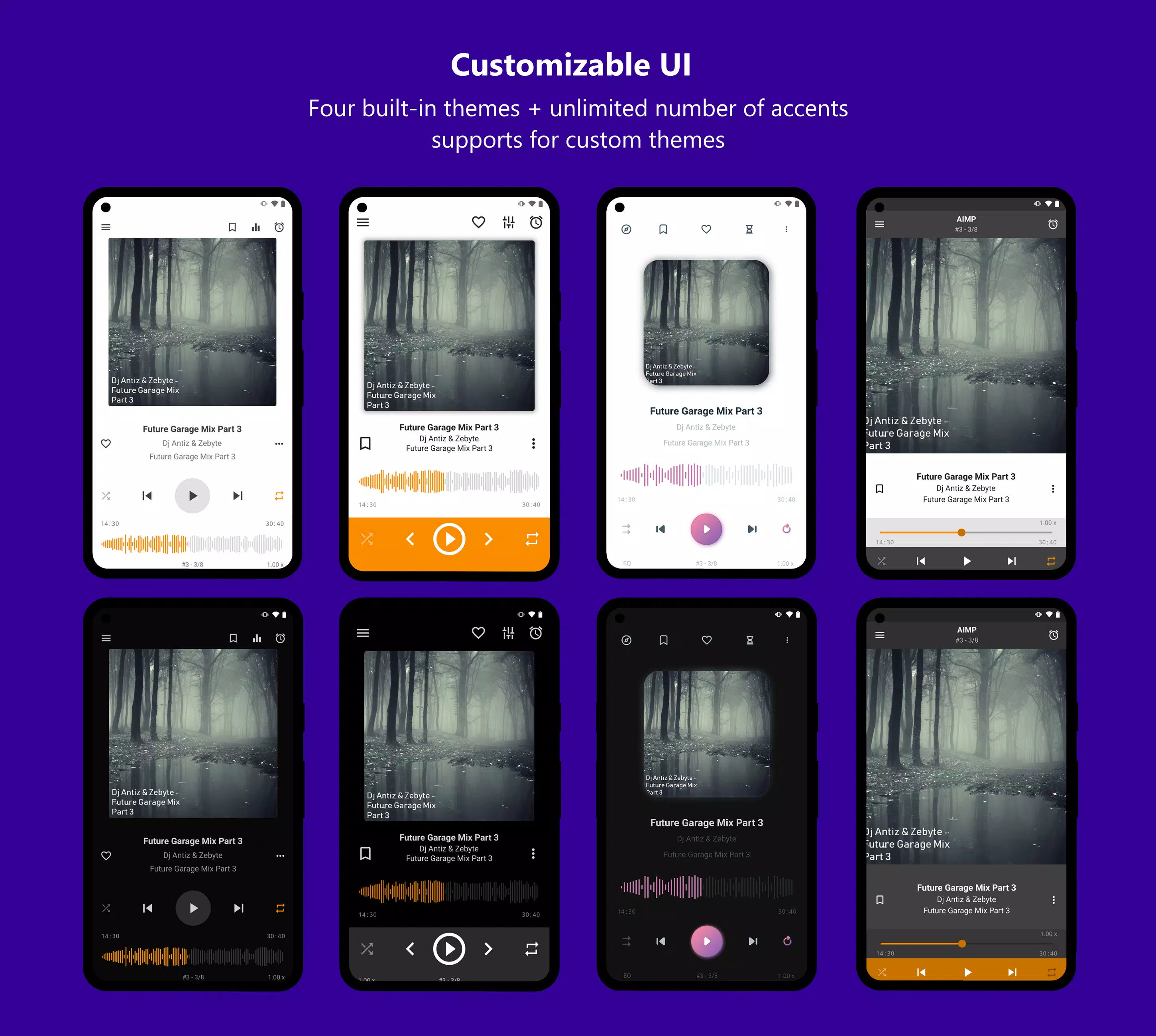
Custom Themes: Customize the look of AIMP with support for custom themes, including built-in light, dark, and black themes.
Day and Night Mode: Switch between day and night modes for comfortable viewing in any lighting condition.
Optional Features:
Music Search and Indexing: Automatically search and index your music library for quick access.
Cross-Fade Tracks: Enjoy smooth transitions between tracks with the cross-fade feature.
Repeat Options: Choose to repeat a playlist, track, or play without repeating.
Multi-Channel Audio Downmixing: Downmix multi-channel audio files to stereo or mono for compatibility with various playback systems.
Playback Control: Control playback from the notification area, via gestures in the album art area, or through your headset.
Track Switching: Use volume buttons to switch tracks effortlessly.
Additional Features:
File Manager Integration: Play files directly from File Manager applications.
Windows Shared Folders: Access and play files from Windows shared folders (supporting v2 and v3 of the samba protocol).
WebDAV Cloud Storage: Stream music from WebDAV-based cloud storage.
Selective Playlist Addition: Add only chosen files or folders to your playlists.
File Management: Delete files physically and manage your music library efficiently.
Sorting and Grouping: Sort and group files by template or manually for organized browsing.
Search and Filter: Search for files in filtering mode to quickly find what you're looking for.
Sharing and Ringtone: Share audio files and register the playing track as a ringtone directly from the player.
Metadata Editing: Edit metadata of APE, MP3, FLAC, OGG, and M4A file formats for personalized track information.
Additionally, AIMP is completely ad-free, ensuring an uninterrupted listening experience.
What's New in the Latest Version v4.12.1501 Beta (02.10.2024)
Last updated on Oct 24, 2024
This version includes minor bug fixes and improvements. Install or update to the newest version to experience the latest enhancements!